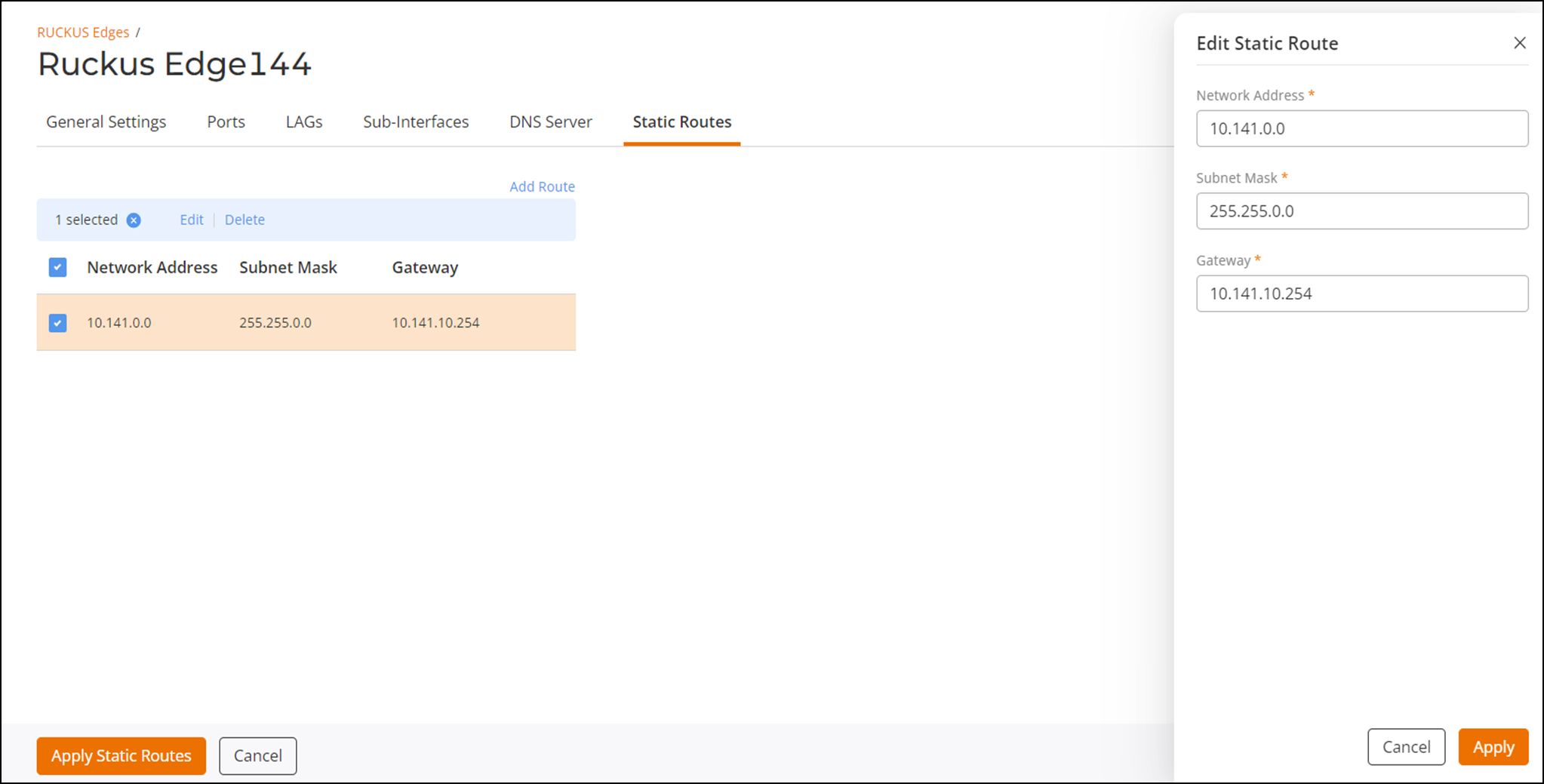
Configuring Static Routes
Device-level static route configuration is
supported at the device level.
- On the navigation bar, click .This displays the RUCKUS Edge page.
- Select a RUCKUS Edge from the list and click
Configure.This displays the General Settings tab, by default.
- Select the Static
Routes tab and click Add Route. This displays the Add Static Route sidebar. In this window, enter the following:
- Network Address: Is the base address of a subnet that identifies the network.
- Subnet Mask: Is a 32-bit number used with an IPv4 address to determine which part of the address identifies the network and which part identifies the host (device) on that network. Enter a valid subnet mask.
- Gateway: Is a system between two different networks. Enter a valid gateway address.
- Click Add.
- Click Apply Static Routes.