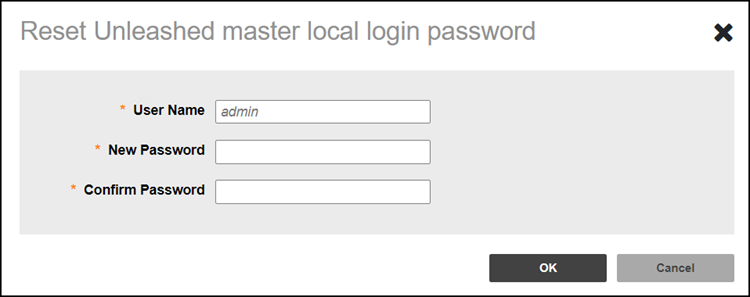
Resetting the Network User Name or Password
You can reset the web UI login
username and password for Unleashed network from the web interface.
- After you log in to the Remote
Management Services web interface, select Networks from the main menu. The Networks page appears, listing all the networks managed by the Remote Management Services for Unleashed.
- From the list of networks, select the network for which you want to reset the password and then click . Domain Admin can change the username and password for the Unleashed master.
- Configure the following:
- Click OK to save the new password.