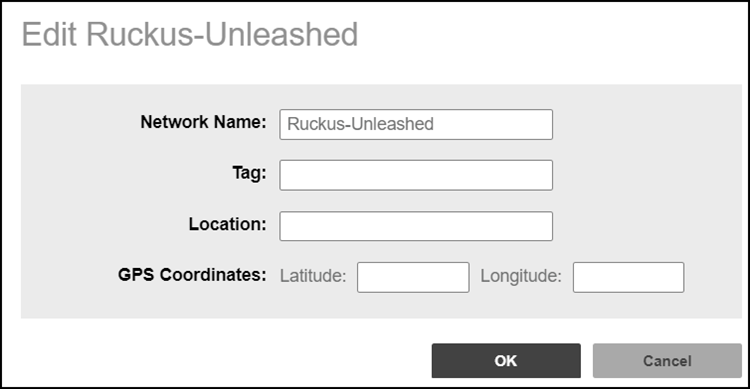
Editing the Network Properties
You can edit the tag name, location,
and GPS coordinates associated with an Unleashed network..
- After you log in to the Remote
Management Services web interface, select Networks from the main menu. The Networks page appears, listing all the networks managed by the Remote Management Services for Unleashed.
- From the list of networks, select the network for which you want to edit the properties, then click Edit.
- Modify the following
configuration settings:
- Network Name: Assign a name to the network. You can enter a maximum of 128 characters, including international languages such as Traditional and Simplified Chinese.
- Tag: Type the network tag name.
- Location: Type the location of the network.
- GPS Coordinates: (Latitude and Longitude): The Remote Management Services for Unleashed uses these to position the network icon on the map.
- Click OK. The new configuration changes for the network are saved and refreshed in the table.