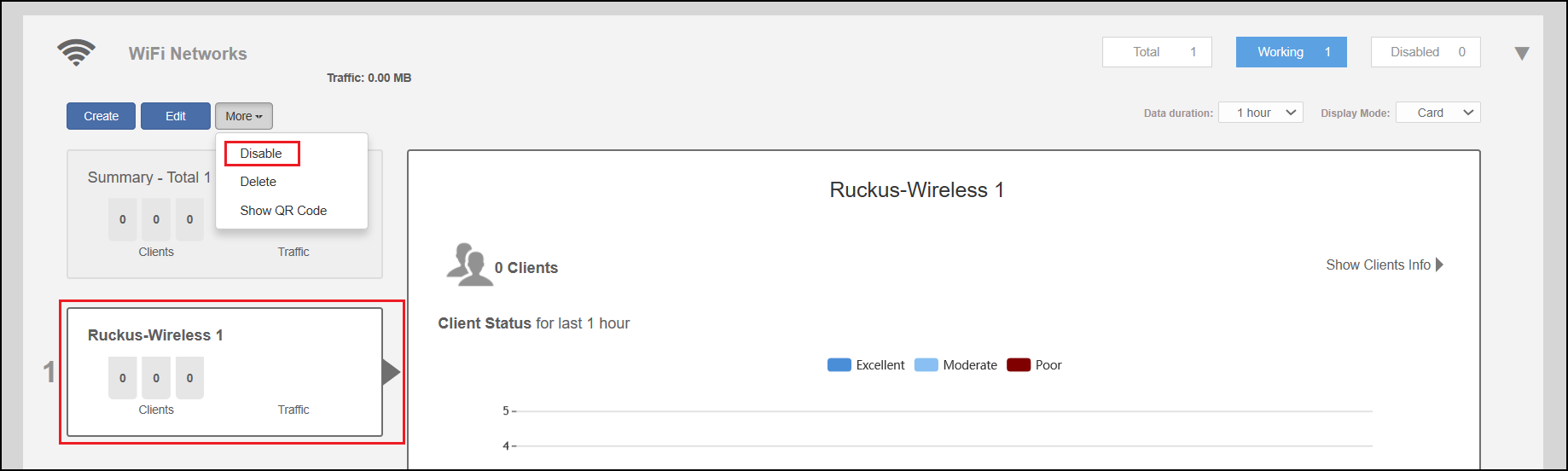
Disabling a WLAN Temporarily Complete the following steps to temporarily disable a WLAN: In the Wi-Fi Networks section, select the WLAN that you want to disable, and click More > Disable. Click OK when prompted to disable the selected WLAN. Click Enable to re-enable the WLAN. Disabling a WLAN Temporarily Parent topic: WLAN Configuration