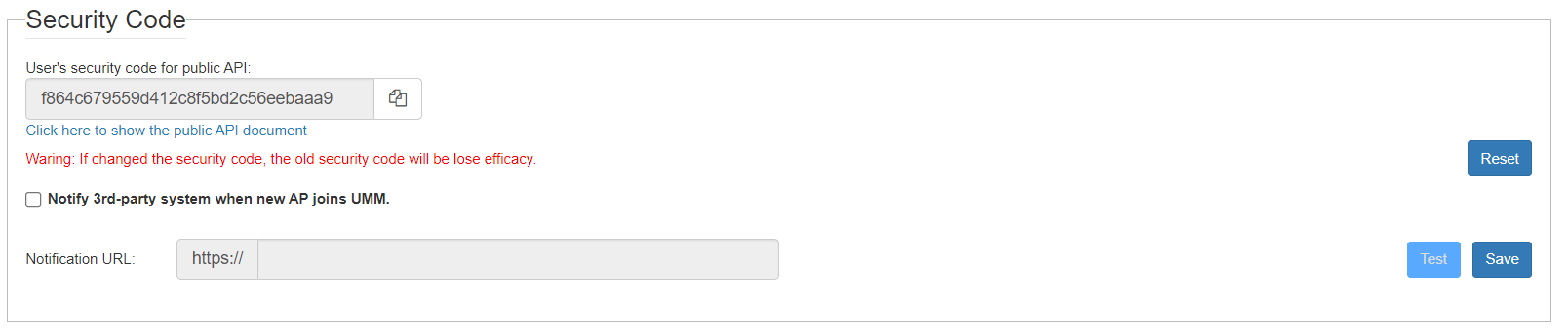
Security Code
Through Public APIs, third-party software can integrate with
Unleashed Multi-Site Manager managed devices, and access all the data from these devices.
UMM 2.2 update
Unleashed Multi-Site Manager provides APIs to:
- List customer created groups
- List Unleashed/ZD/P300 devices
- List detail of one device for Unleashed/ZD/P300
- List APs/clients/WLANs
- List events/alarms
- List ICX data
- Edit SSID/PSK for selected WLAN
- Enable/Disable for selected WLAN
In the Security Code area, you can configure the application to send a HTTPS Post message with the AP's model/MAC/Unleashed ID/ZD SN whenever a new AP join the UMM. The third-party URL must be provided in the URL field. Click Test to trigger a test message to the URL.