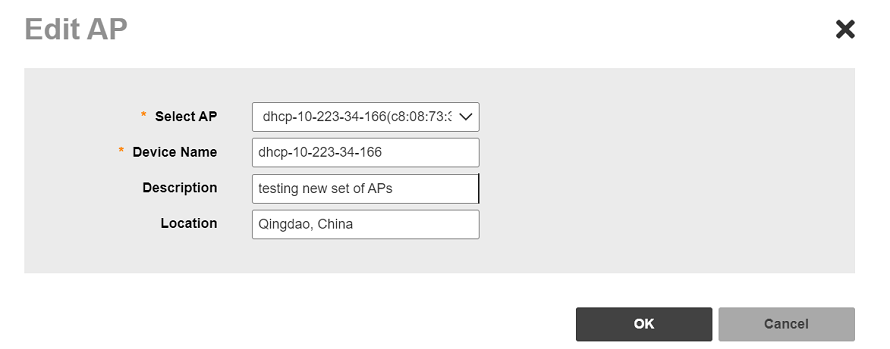
Editing AP DetailsYou can edit the AP details as necessary. After you to log in to the Web interface, select Devices from the menu in the left. The Devices page appears listing all the devices managed by the software. From the list of devices, select the Unleashed network for which you want to view the QR code, then click Edit AP. Editing AP Note: Editing AP details is only supported for Unleashed AP version 200.11 or later. Parent topic: Working with ZoneDirector Controllers, Unleashed APs, and ICX Switches