Managing Services
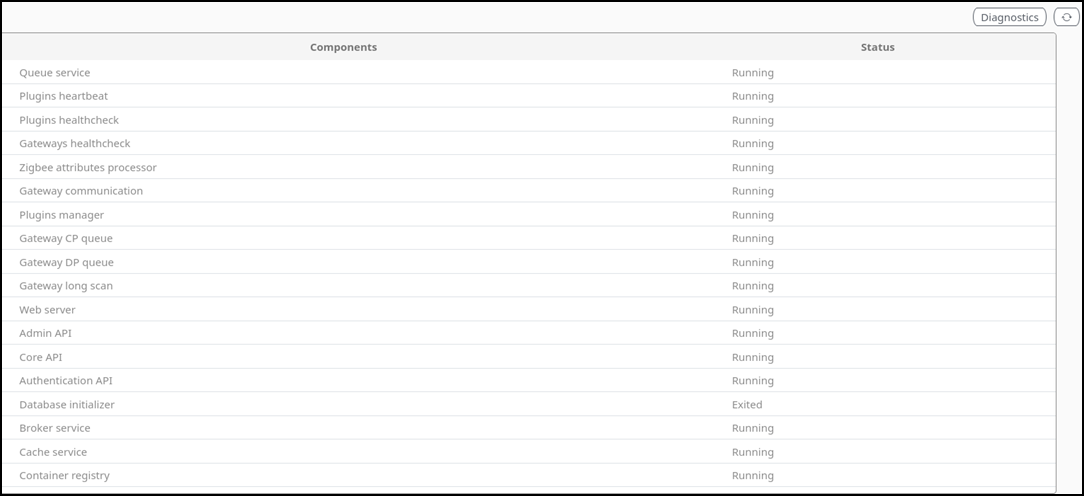
The Services page displays the
service components and their status in the system, providing a quick overview of
each
component's operational state.
You are viewing a cached version of this page.
You are currently offline. This page was loaded from cache.
Did you find what you were looking for?