Set Up a Certificate Template for the NPS Server Certificate
The server certificate helps to verify the
identity of the NPS (acting as a RADIUS server) to wireless clients.
section redone for 5.8 - plz review
carefully
- From the Cloudpath left menu, select .
- Click Add Template to create a new certificate template.
- Choose Use an onboard certificate authority, and select the onboard CA you created in the previous section.
- Select Server Certificates.
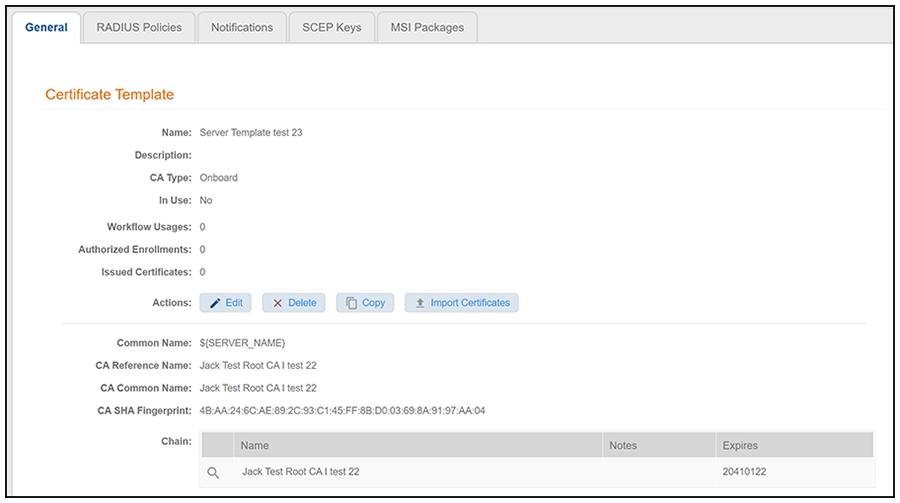
- Enter a validity period for the server certificate, then click Next to use the default settings. The initial configuration is complete, and a screen such as the following is displayed.
- From this view, you can do the following:
- Add notifications, SCEP keys, or MSI packages by clicking on the corresponding tabs.
- Click Edit to edit current settings as well as to configure advanced settings. For more information, refer to Server Certificate Template Advanced Options.
Note: The RADIUS Policies tab is applicable only if the certificate template may issue client certificates based on the template EKU setting. Therefore, the tab does not apply to the default server certificate template.