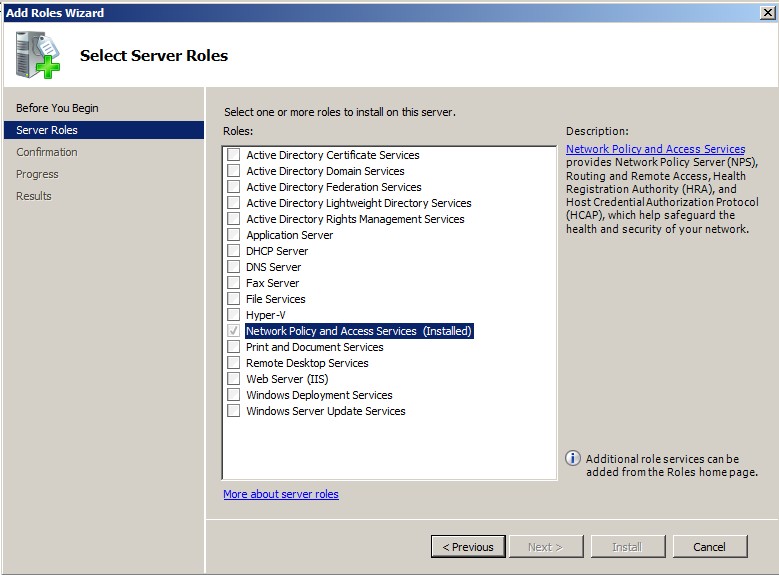
Set Up Roles and Services To install Network Policy and Access Services (NPAS) as a Server Role, perform the following steps: Open Server Manager. Open the Add Roles wizard and install Network Policy and Access Services. Install Network Policy and Access Services Open the Add Role Services window and verify that the Network Policy Server is installed for Network Policy and Access Services. In the Role Summary section, verify that NPS is running. Parent topic: Configuring the Network Policy Server