Connecting to the Tenant Portal
The tenant portal can be accessed in a
number of ways.
Common methods for connecting to the tenant portal are:
- The tenant can click the link provided in an email and/or text message notification. An example of such a notification is shown in Email Notification Sent to Unit Contact Person.
- You, as property manager, can provide the QRCode for the tenant portal (for QRCode-compatible devices). You can download the QRCode from Cloudpath UI. For instructions, refer to Viewing Information of a Configured Unit.
Note: The QRCode for access to the tenant
portal is also available on the tenant portal itself -- in the Profile screen. For
more
information, refer to Profile Page.
The steps below cover what happens when you access the tenant portal:
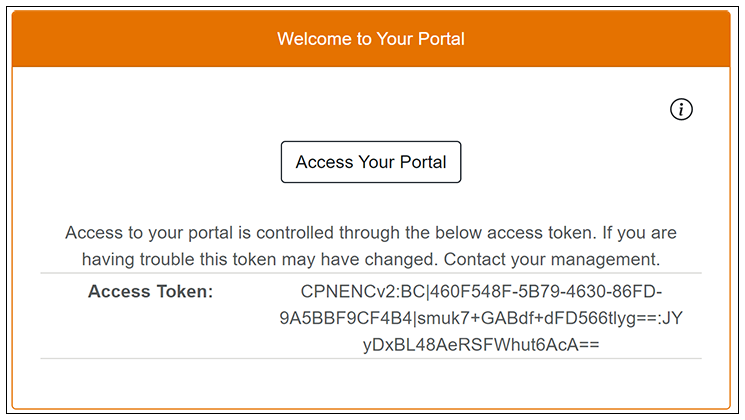
- You can click the Information icon, if you wish, to view your access token, as shown below.
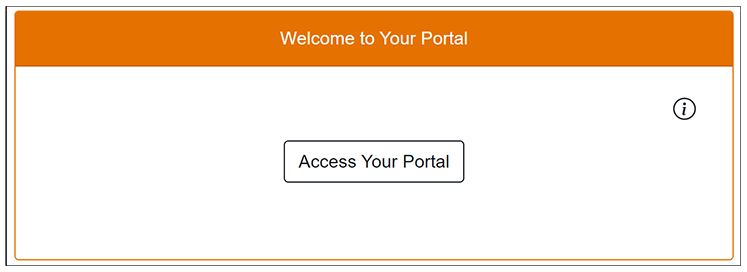
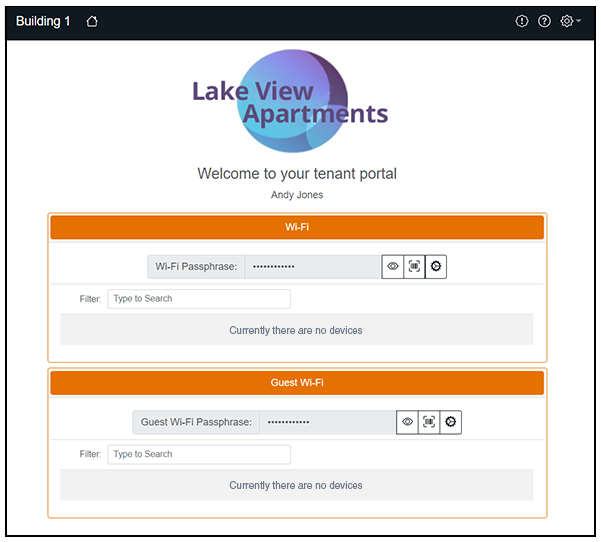
- Click Access Your Portal. The tenant portal home page appears, as shown in the example below: