Connecting to the Management Portal User Interface
Follow the steps below to access the management portal UI.
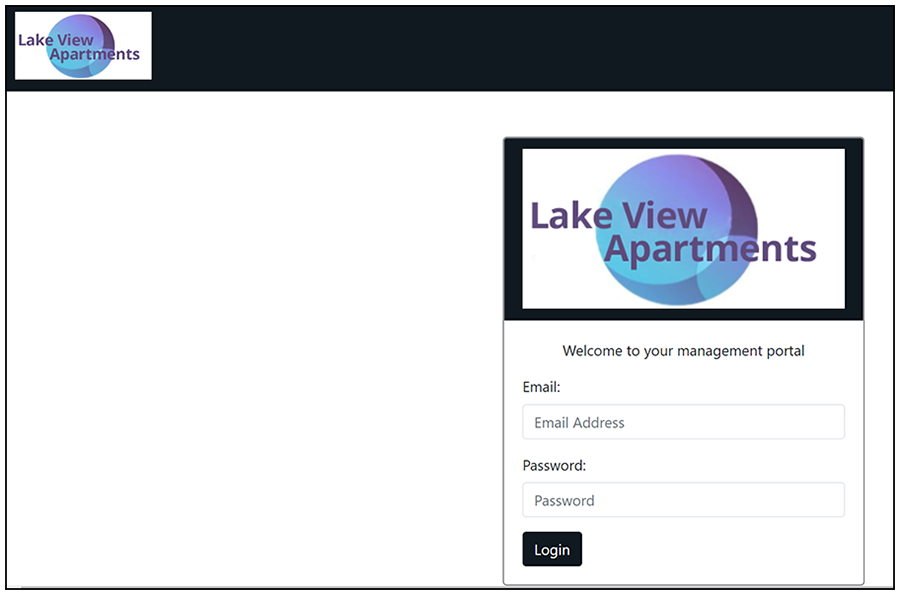
- Click the URL in the "Portal URL" field in the Management Portal configuration screen (see Newly Created Management Portal - Access Details Tab) to invoke the login window:
- Users must log in with their
configured email address and the secret key.
Note: The secret is configured in Creating the Management Portal.
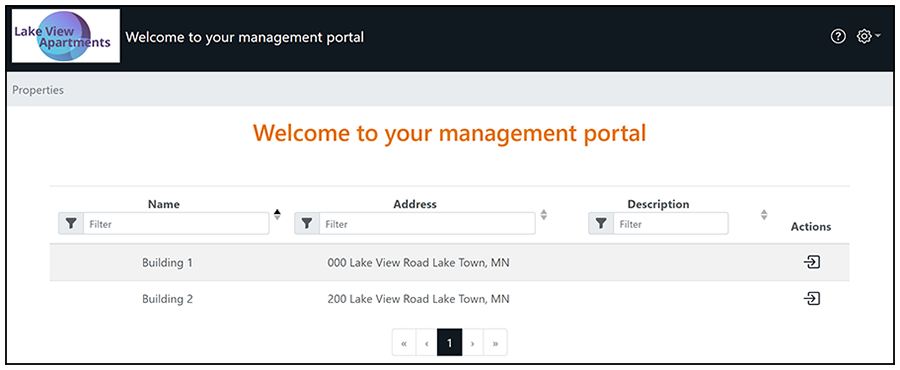
The management portal UI should now appear, as shown in the example screen below.