Editing or Deleting a Tunnel Profile
As your network evolves, you may edit or
delete Tunnel Profiles, as necessary.
Complete the following steps to edit or delete a Tunnel Profile:
- From the navigation bar, select
.The My Services page is displayed.
- In the My Services
page, click the Tunnel Profile tile.The Tunnel Profile page is displayed.
- Complete the following steps to edit a tunnel profile:
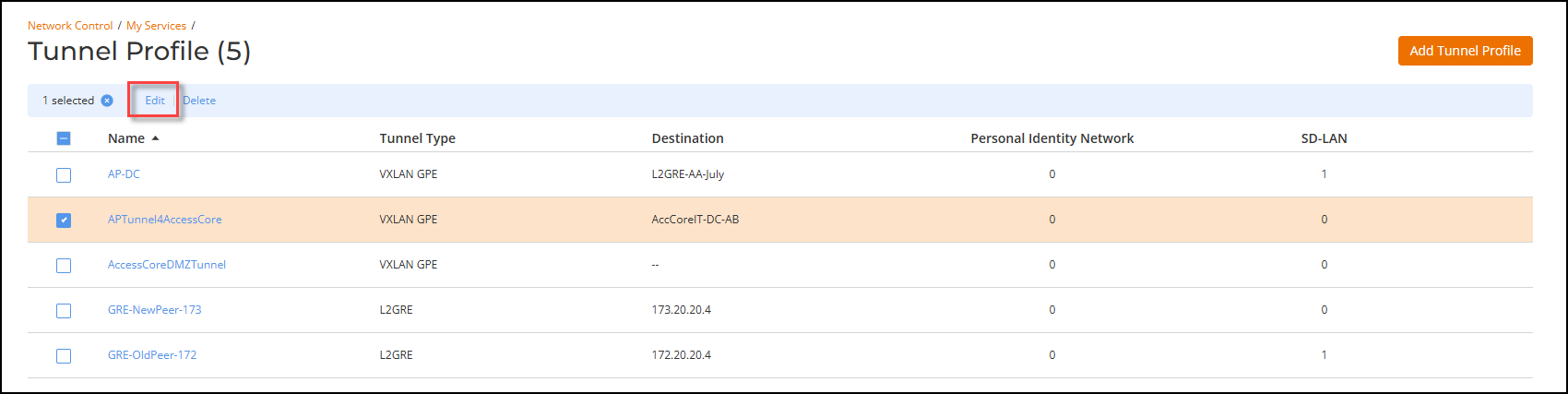
- Select the checkbox next to the profile that you want to edit and click Edit. Alternatively, click on the profile Name, and click Configure.
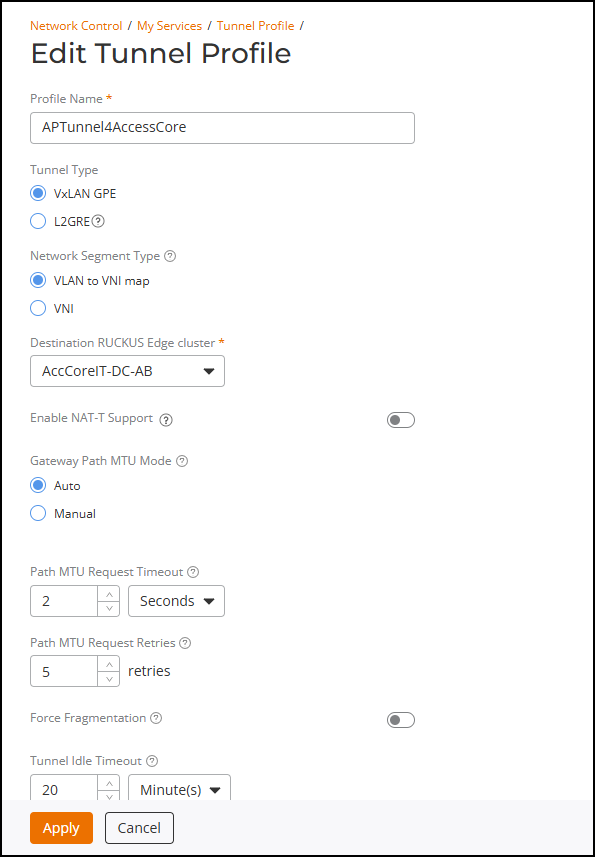
- Update the available options, as necessary, and click Apply. If the tunnel is being used by any networks, then some options cannot be changed and will appear grayed out.
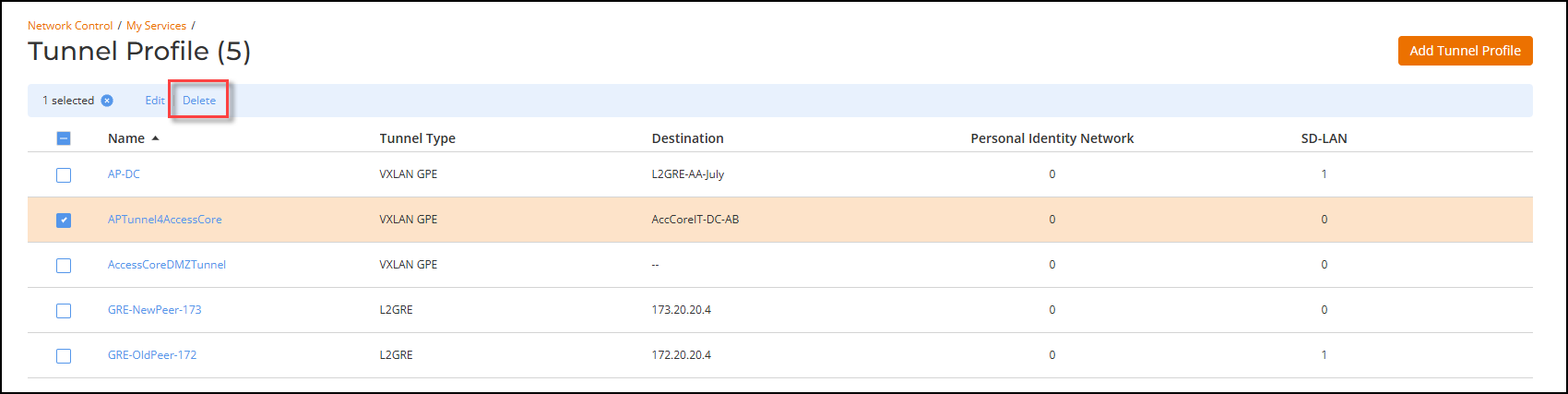
- Complete the following steps to delete a tunnel profile: