Editing or Deleting the Syslog Server Policy
You can use this feature to edit or delete
the Syslog Server policy.
Complete the following steps to edit or delete the rogue Syslog Server policy:
- From the navigation bar, select
.The My Services page is displayed.
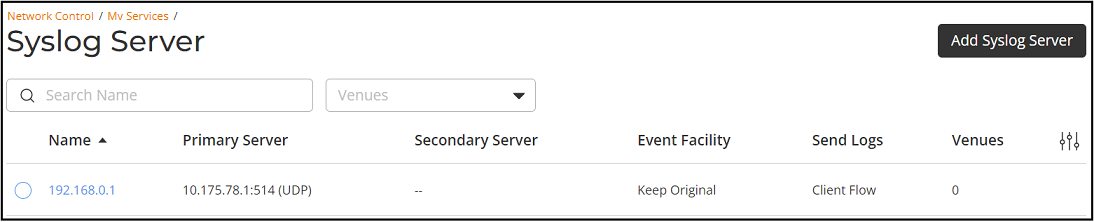
- In the My Services page, click Syslog Server tile.
- In the Name column, click Radio Button beside the <Syslog Server policy name>, and click Edit. Alternatively, select the <Syslog Server policy name>, and click Configure.
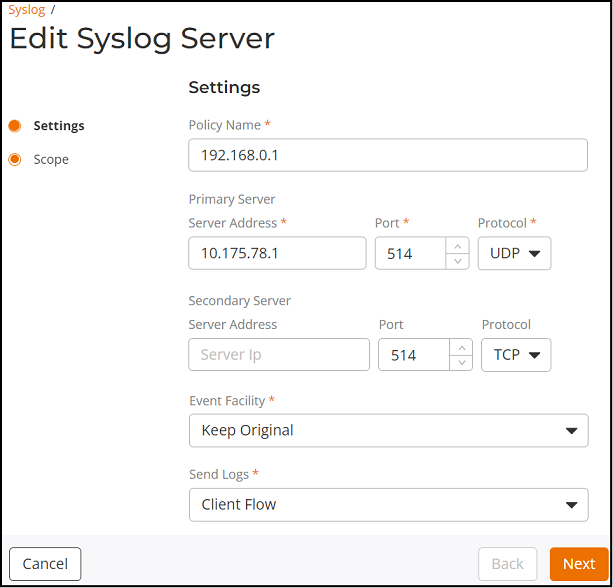
- Update the Policy Name, Primary Server, Secondary Server, Event Facility, or Send Logs, and click Next.
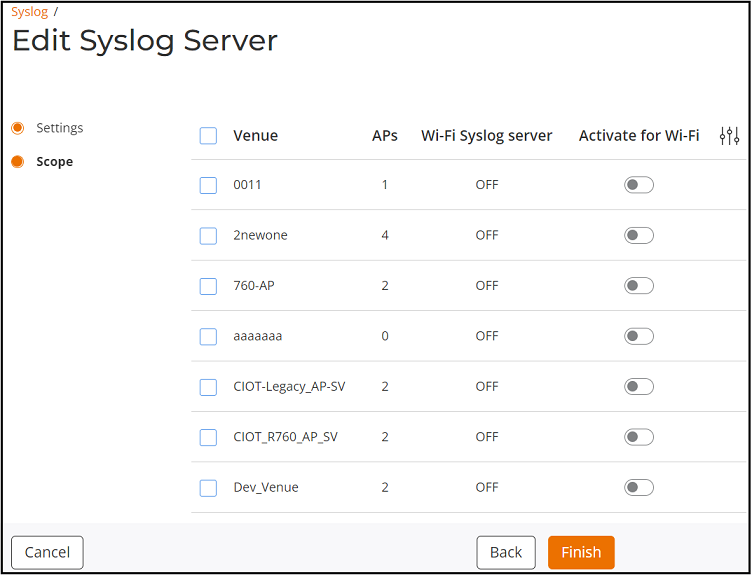
- Update the Scope and click Finish.
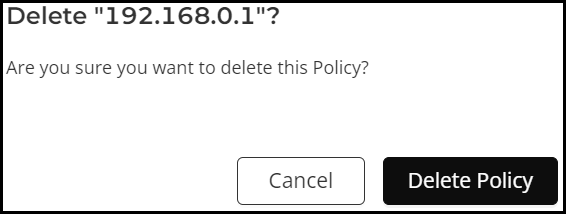
- Complete the following steps to delete the Syslog Server policy: