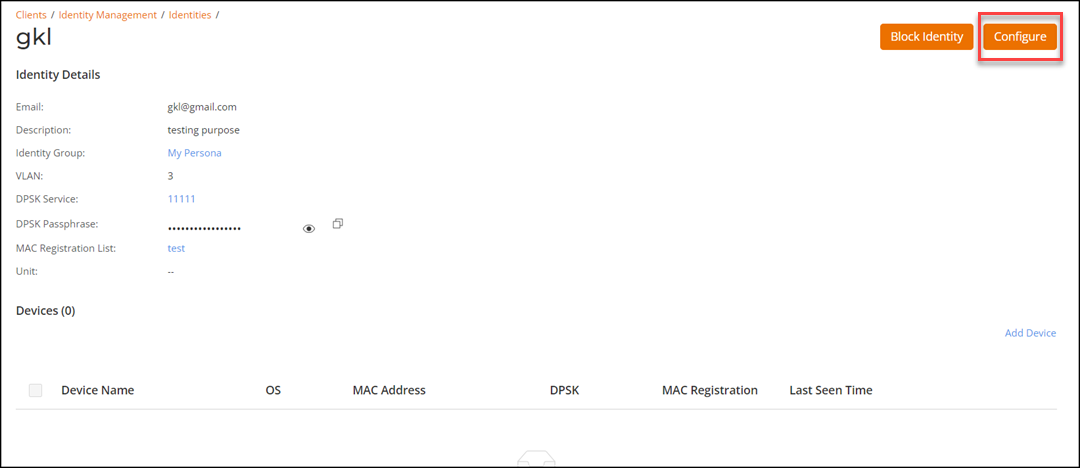
Editing or Deleting an Identity
- On the navigation bar, select .
- Select the checkbox alongside the name of the identity to display and access the following options:
- Click Edit.
The Edit Identity page is displayed.
Modify the following configuration settings, as necessary:- Identity Name
- Display Name
- Phone
- Description
- Identity Group
- VLANNote: To change an identity group, refer to Editing an Identity Group.
- Click Apply to save the changes.
- (Optional) Click Delete to delete the identity.