Disconnecting a Client
For troubleshooting purposes, use the
Disconnect Client
option to forcefully disconnect a client from the RUCKUS One.
- From the navigation pane, click . The Wi-Fi page loads and displays the Clients tab. The screen displays both connected and disconnected (historical) wireless clients with search options. When searching for disconnected (historical) clients, you can only search by MAC address, hostname or username.
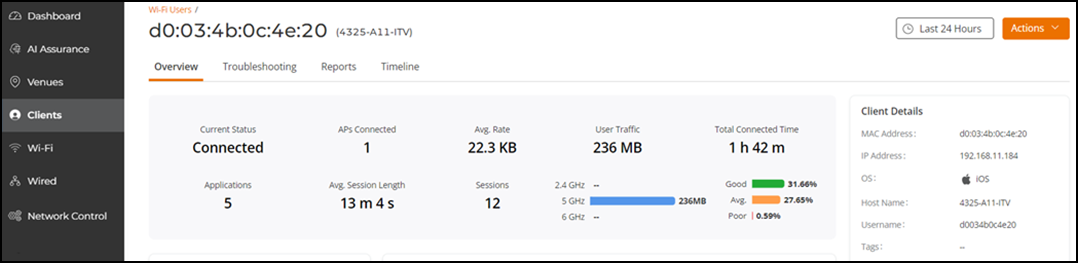
- From the list of currently associated clients, locate the wireless client (connected or disconnected) that you want to disconnect from RUCKUS One Wi-Fi, and then click on the Hostname.
- Click
Actions and select Disconnect
Client. Choose one of these options:
- Click
Refresh to view the connection status.
When you return to the Clients tab, it shows only the connected users.