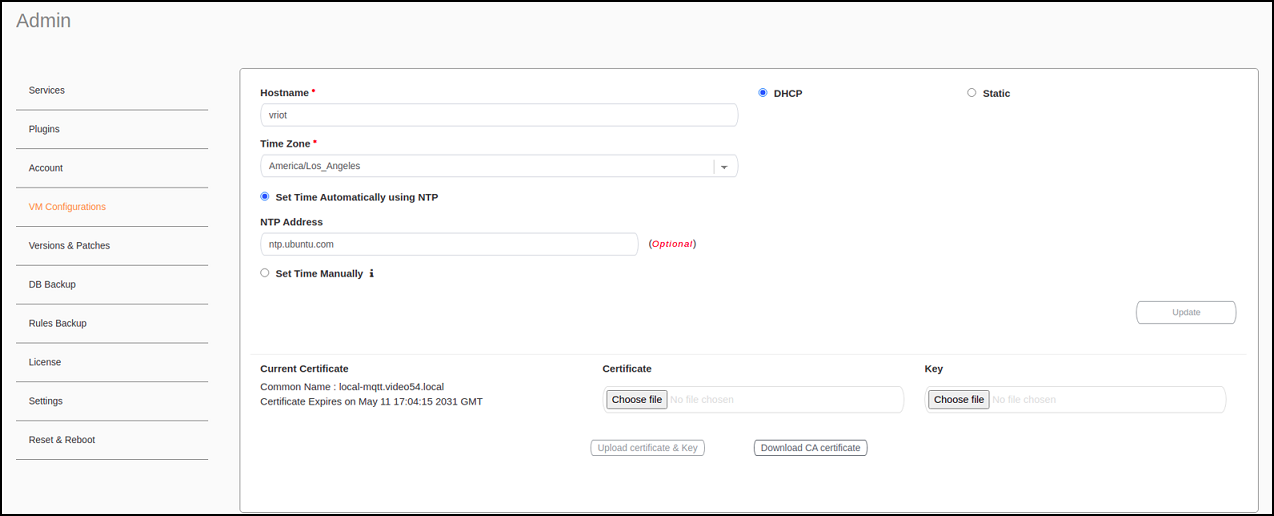
Configuring Virtual Machines Complete the following steps to configure a virtual machine (VM). From the main menu, click Admin. In the left navigation pane, click VM Configurations. Configuring a Virtual Machine Complete the configuration information. In the Hostname field, enter the host name. In the Time Zone list, select the time zone. Select Set Time Automatically using NTP or Set Time Manually to set the time. Click DHCP or Static to set the RUCKUS IoT Controller configuration. Note: The RUCKUS IoT Controller is configured with a self-signed certificate, but a proper (CA-signed) certificate can be added to the system. Click Update. Parent topic: Managing IoT Controller System Configuration