Backing Up Files
The
RUCKUS IoT Controller allows you to back up and restore the configuration and data files. You can restore
an existing configuration file on the
RUCKUS IoT Controller from which it originated, or restore a configuration file from a different
RUCKUS IoT Controller. Backed up files are in the tar.gz format.
Note: The RUCKUS IoT Controller maintains
the backups of the last five configuration files.While uploading or restoring database
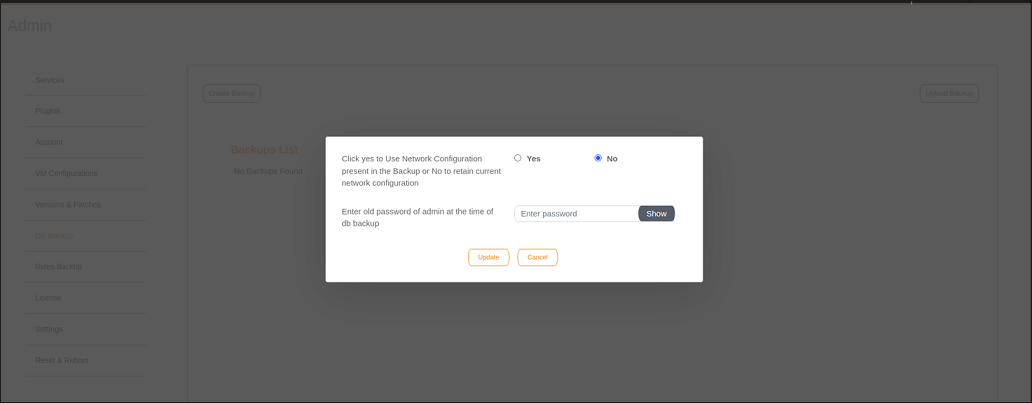
backup file, a dialogue box appears with the below message , so you can select
either
static or dynamic network configuration present in the backup
file.
Use Network Configuration Present in Backup