Set Up the Integration Module Website
- On the file system, locate the folder where the Integration Module will reside.
- Create this folder and unzip the downloaded plug-in file into it.
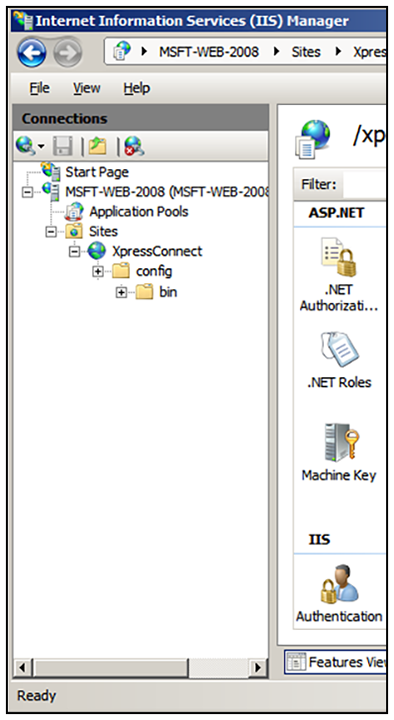
- In the IIS Manager, locate and select the Sites item in the left tree.
- Right-click and select Add Website.
- Name the site Cloudpath.
- Set the IP address, port, and host name appropriately.
- Set the physical path to the folder created above (for example,
C:\inetpub\cloudpath), and click OK.