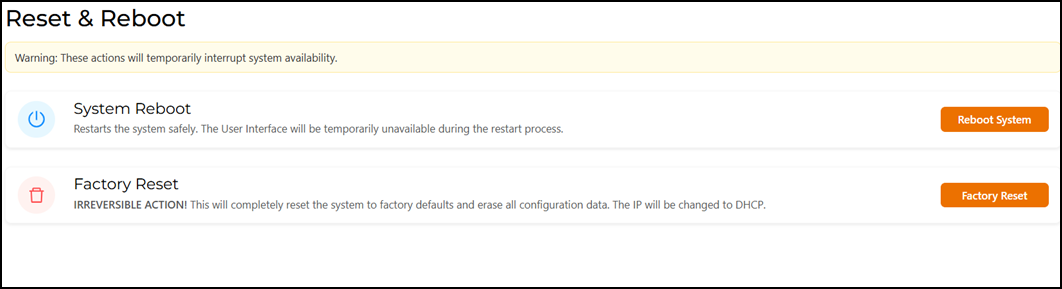
Resetting the RUCKUS IoT Controller
Reset the RUCKUS IoT Controller to factory default settings to remove all configured
settings. This action restores the device to its original state.
You are viewing a cached version of this page.
You are currently offline. This page was loaded from cache.
Did you find what you were looking for?