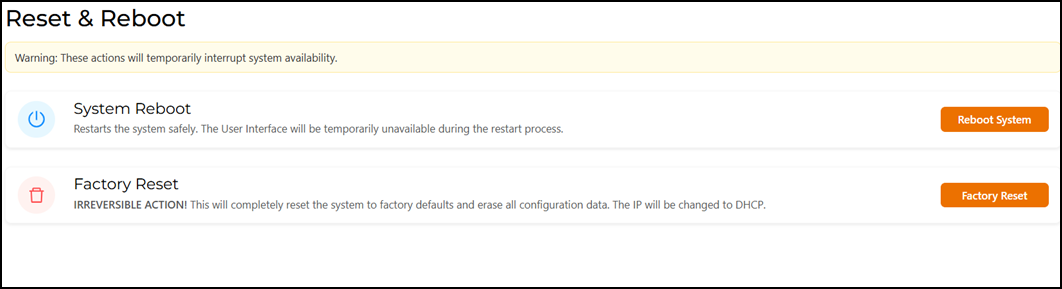
Rebooting the RUCKUS IoT ControllerIf the RUCKUS IoT Controller is experiencing an issue, try rebooting it to resolve the problem. Complete the following steps to reboot the RUCKUS IoT Controller. From the main menu, select Admin.Click Reset & Reboot.The Reset & Reboot page is displayed. Rebooting the RUCKUS IoT Controller Click Reboot System. Parent topic: Managing IoT Controller System Configuration