Backing Up Files
The
RUCKUS IoT Controller allows you to back up and restore the configuration and data files. You can restore
an existing configuration file on the
RUCKUS IoT Controller from which it originated, or restore a configuration file from a different
RUCKUS IoT Controller. Backed up files are in the tar.gz format.
- From the main menu, click .
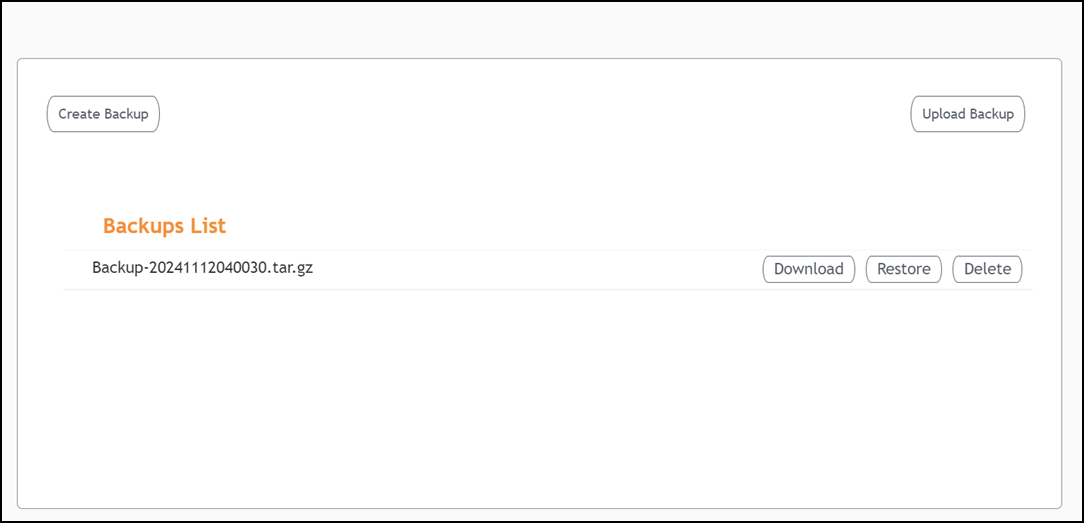
- Click Create Backup to
perform a backup manually.
The Backups List section displays all the available backups.
- Select a backup from the Backups List section. You can perform the following actions on the selected backup.
- (Optional) Click Upload Backup to upload and restore a DB backup file.