You are viewing a cached version of this page.
You are currently offline. This page was loaded from cache.
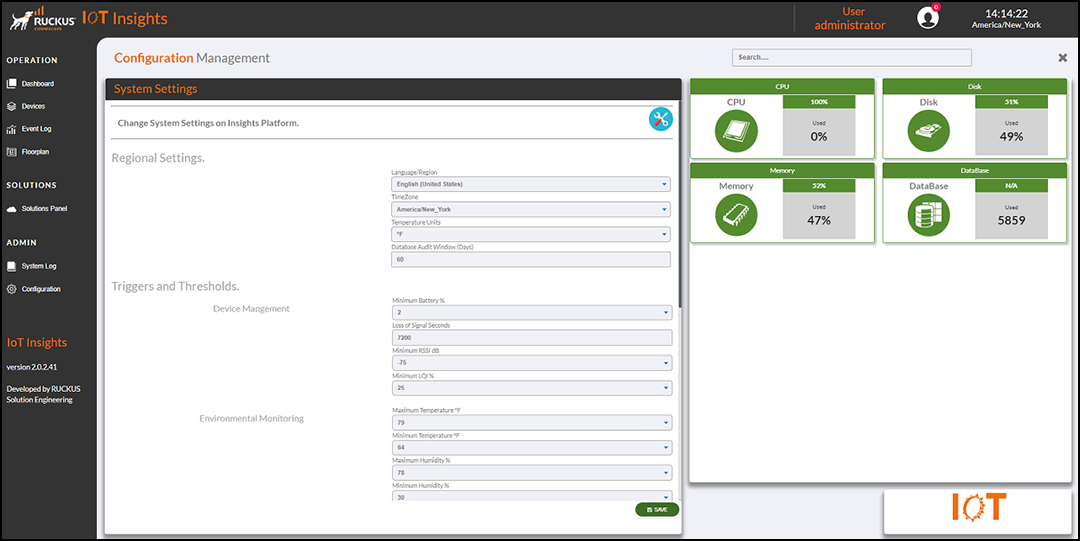
When installing the System Installer, the operator configures the regional environmental settings, alarm thresholds, and settings for when triggers are sent or logged. Because the settings and thresholds act upon the entire system, the settings must be configured by the system administrator
Did you find what you were looking for?