Database Management
- From the main menu, go to .
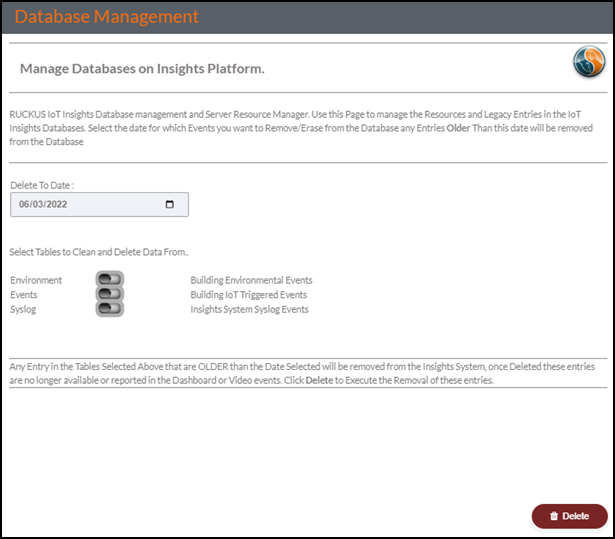
- In the Delete To Date field, click the Calendar icon to select a date.
- Set the
Environment, Events, and
Syslog toggle switches to enable or disable cleaning
and deleting of data.Note: This action is irreversible. After running this operation, all the data older than the chosen date is lost and cannot be recovered. The only protection is that the settings do not allow you to delete any data that is newer than the date window defined. By default, the date window is 60 days and the system will not delete any data that is newer than the defined value.