Checking and Changing TACACS+ Server Status and Gathering Log Information
You can check the status of the TACACS+
server and gather log information in the same screen in the UI.
Checking and Changing Status
To check the current status of the TACACS+ server, go to TACACS+ > Configuration Profiles > Status tab.
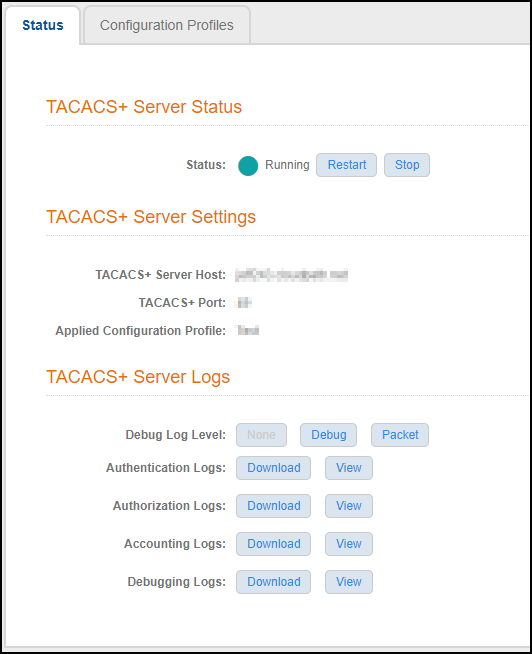
A green circle indicates that the server is running. You can use the Stop and Restart buttons as desired.
Setting the Debug Log Level
In the TACACS+ Server Status screen, in the "Debug Log Level" field, you can select "None," "Debug", or "Packet." Packet level debugging is excluded from the original debugging levels and its logging contents are hidden from the Admin UI users.
Gathering Log Information
In the "TACACS+ Server Logs" section of the screen, you can view and download all the logs shown in TACACS+ Server Status Screen.