Running Authentication Test
Follow the instructions for the applicable controller. For the possible results, see Possible Results from Authentication Test.
ZoneDirector
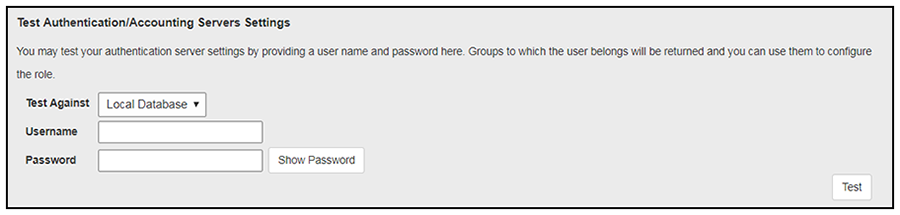
At the bottom of the AAA server page, there is a section called "Test Authentication/Accounting Servers Settings." The Test Against field should be Local Database, as shown below. Enter a test User Name and Password, then click the Test button.
SmartZone
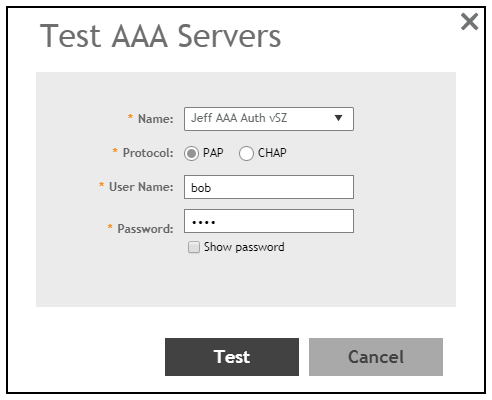
When you save a configuration for an AAA Authentication server in SmartZone, you can click the Test AAA tab at the top of the screen, select the server from the drop-down list, enter your credentials, then click the Test button.
Unleashed
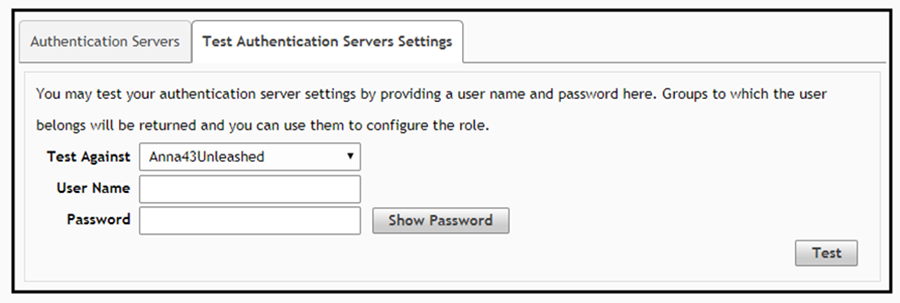
Enter the test credentials on the Test Authentication Servers Settings tab, then click the Test button.