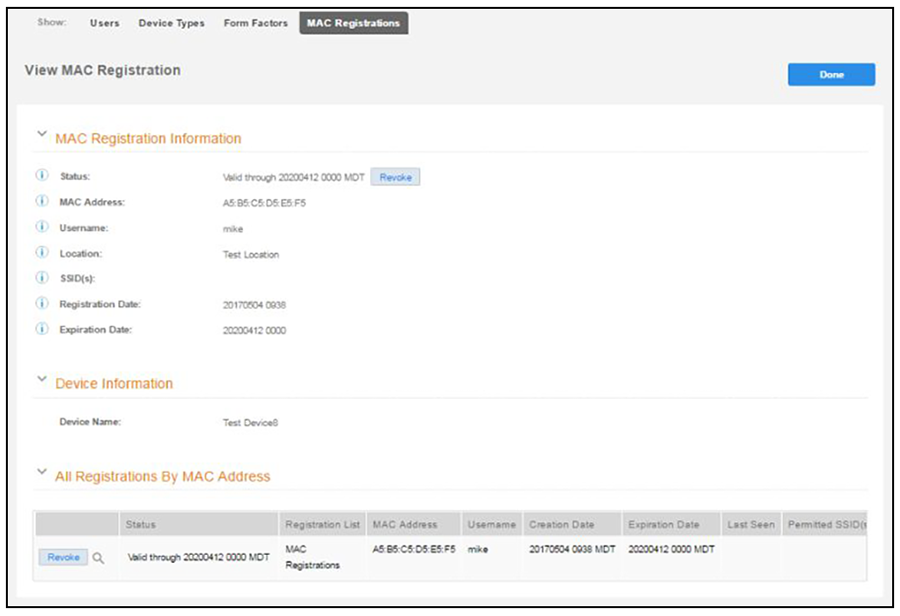
How to Revoke Access for a MAC-Registered Device
- Go to Dashboard > Users & Devices, MAC Registrations tab.
- Click the View icon to view the registration information for the device.
- In the All Registrations by MAC Devices section, click the Revoke button next to the device.
- On the Revoke pop-up, list the reason for revocation and click Revoke. The MAC address for the device is removed from the list of accepted MAC addresses in the RADIUS server.