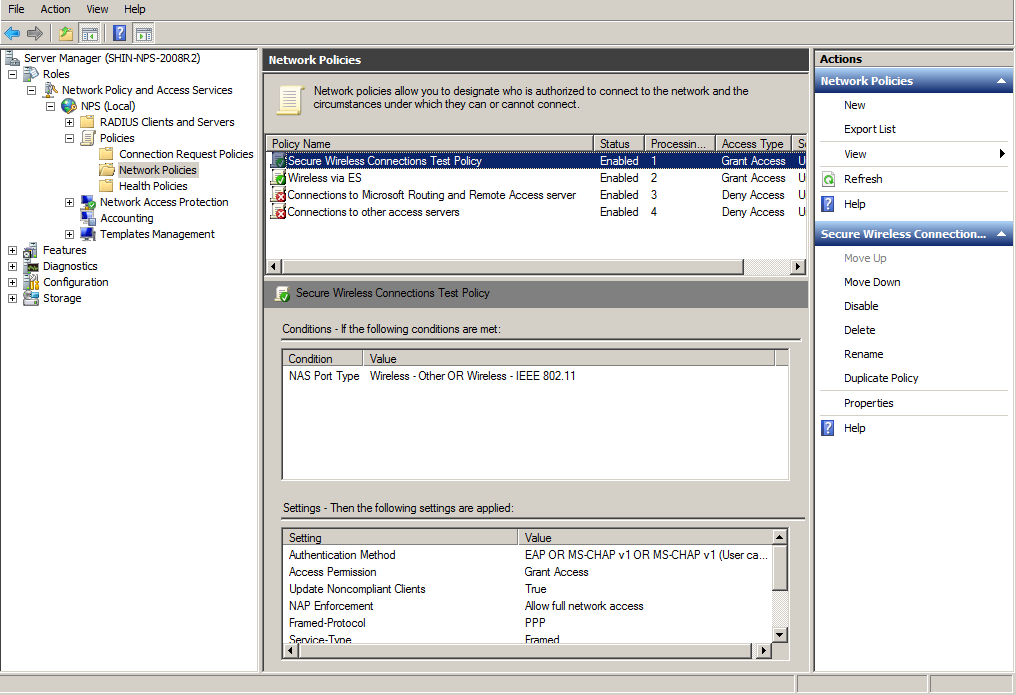
To prioritize the 8021.X configuration, perform the following steps:
From the Server manager, expand
Network Policy and Access Services > NPS (Local) > Policies, and select the
Network Policies folder.
The 802.1X policy you just created should be at the top of the list. If needed, select
the policy, and select
Move Up until the policy is at the top of the list.