Monitoring Connected ICX Switches
The Switch List
page of the Unleashed web interface displays information about switches managed
by the
Unleashed management. Select a connected switch to view the overview, port details,
and AV
profile details on the selected switch.
By clicking the  icon, you can customize the table settings that are
displayed. You must select the checkboxes to display the columns in the table.
icon, you can customize the table settings that are
displayed. You must select the checkboxes to display the columns in the table.
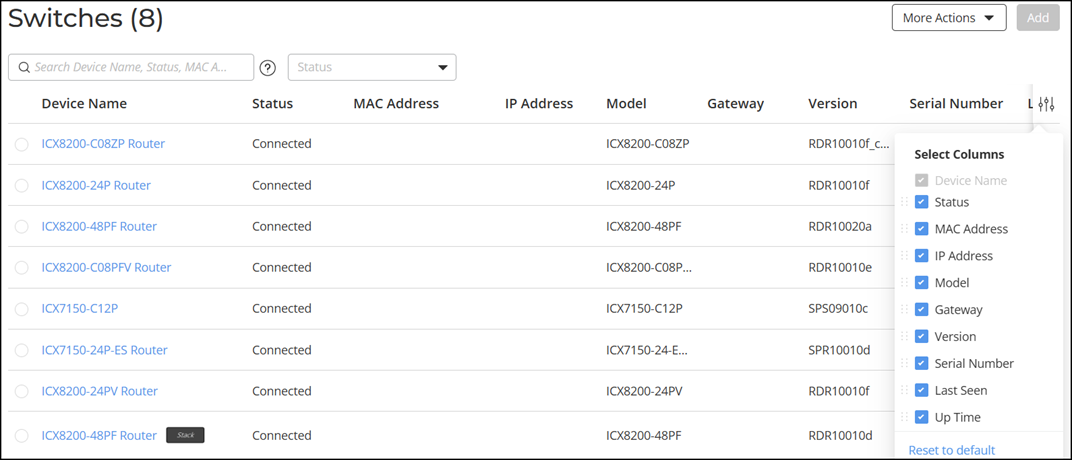
The following table lists some of the fields and table columns that appear by default.
Please confirm.
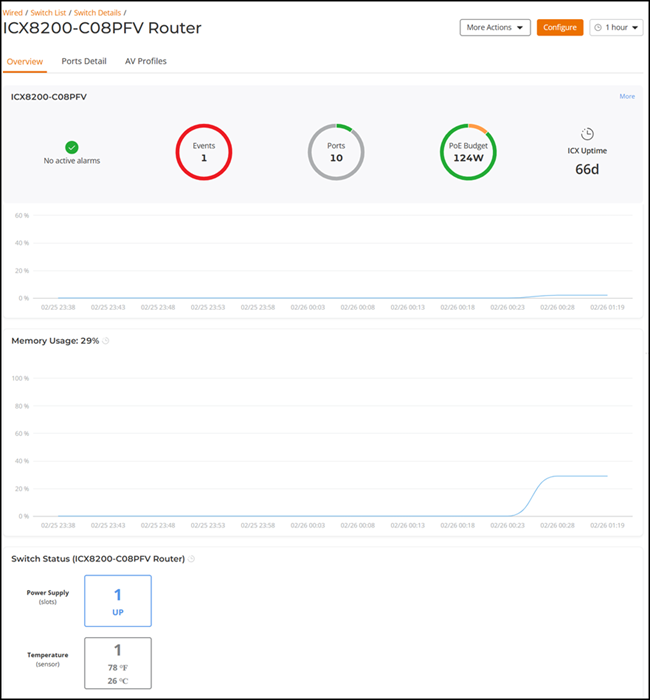
When a connected switch is selected, the following tabs are displayed:
- Overview: Displays general device information, including alarms, events, available ports, PoE, and uptime. This page also shows the hardware status information, such as CPU and memory utilization, power supply usage, and temperature details. Hover over a segment of the charts to view time-specific details.
- Ports Detail: Displays the number of ports used and available ports, PoE power budget usage, and details on specific ports when selected from the port diagram or port list table.
- AV Profile: Displays the AV profiles configured on the ICX switches
associated with the RUCKUS Unleashed network.
Note: The Audio-Visual (AV) profile is supported only on RUCKUS ICX 8200-24PV, ICX 8200-48P, ICX 8200-48PF, ICX 8200-48PF2, and ICX 8200-C08PFV devices.
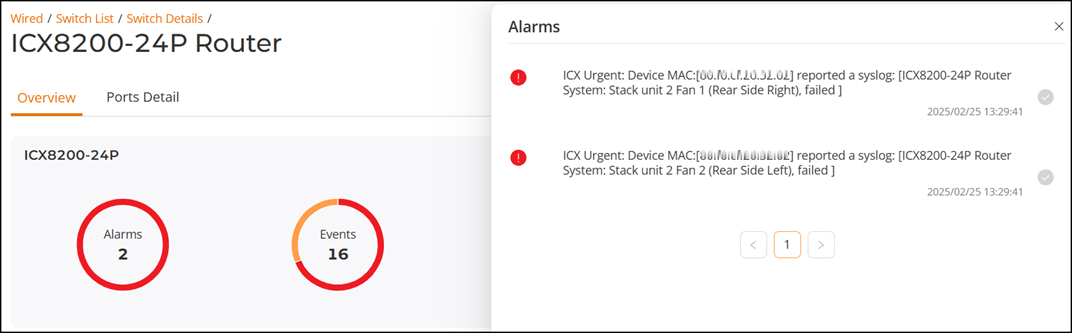
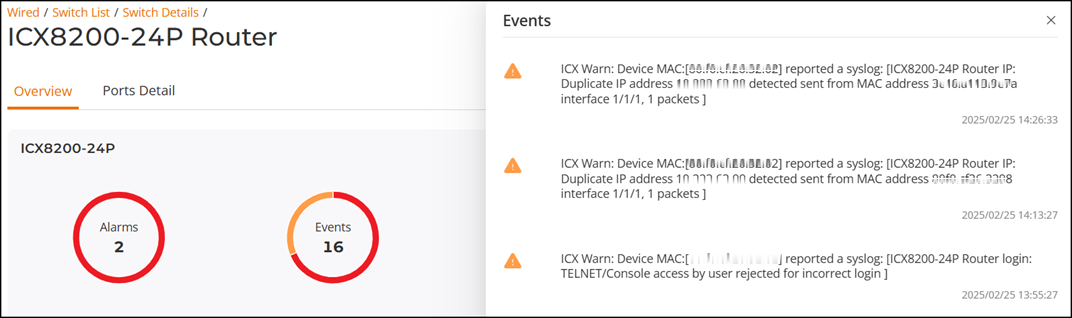
Click Alarms and Events to view the switch event and alarm lists.