Two-Post Rack Mount Installation (ICX-RMK-4POST-TL)
The RUCKUS ICX 7550 can be installed in a two-post rack in various mounting positions, as shown in the following figure.
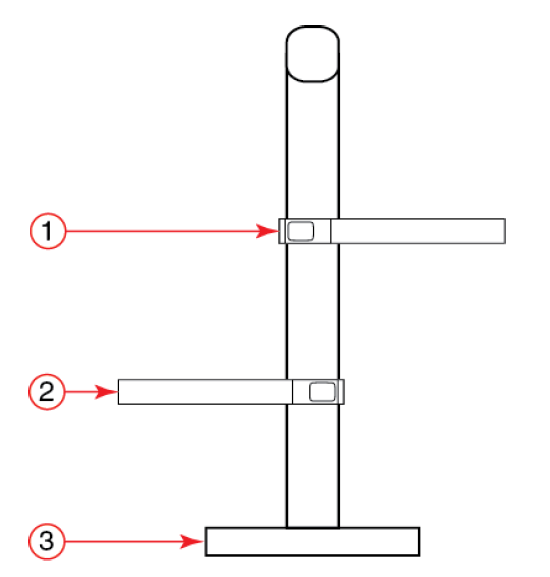
Use the instructions in the following sections to install the RUCKUS ICX 7550 switch into two-post Telco racks using the front brackets in the four-post flush-mount rack kit (ICX-RMK-4POST-TL).
Time and Items Required
Allow 15 to 30 minutes to complete the installation.
The following items are required to install the device using the four-post flush-mount rack kit (ICX-RMK-4POST-TL):
Parts List
The parts provided in the four-post flush-mount rack kit (ICX-RMK-4POST-TL) are illustrated in the following figure.
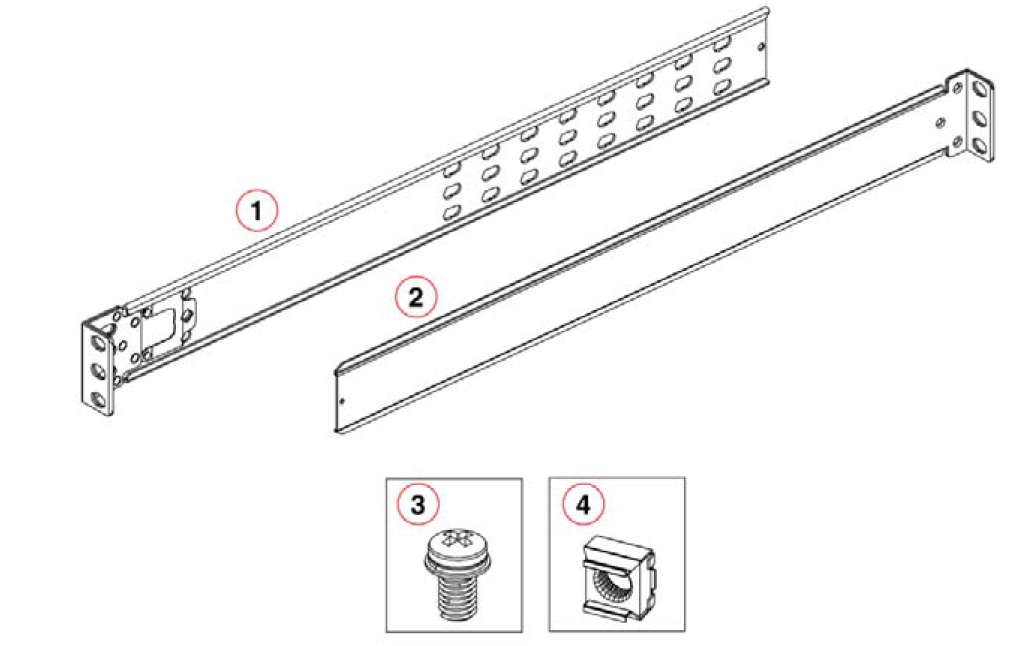
Ensure that the items listed and illustrated in the preceding figure are included in the kit.