Four-Post Rack Mount Installation (ICX-RMK-4POST-TL)
Use the following instructions to install the RUCKUS ICX 7550 switch in EIA racks that are between 46 cm and 79 cm (18 inches to 31 inches) using the four-post flush-mount rack kit included with the switch.
Note: Hardware devices illustrated in these procedures are only for reference and may not
depict the device you are installing into the rack.
Time and Items Required
Allow 15 to 30 minutes to complete the installation.
The following items are required to install the device using the four-post flush-mount rack kit (ICX-RMK-4POST-TL):
Parts List
The parts provided in the four-post flush-mount rack kit (ICX-RMK-4POST-TL) are illustrated in the following figure.
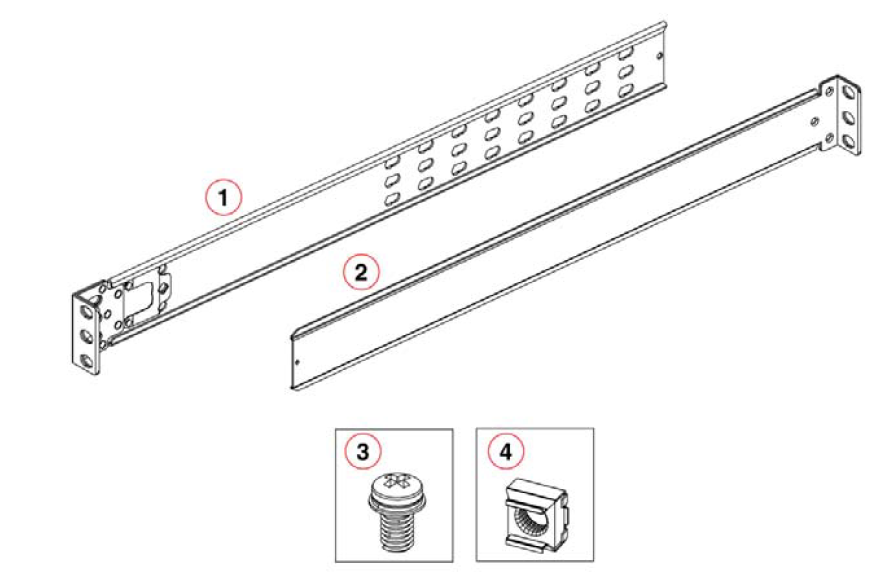
Ensure that the items listed and illustrated in the preceding figure are included in the kit.
Note: Use the screws specified in the procedure. Using longer screws can damage the device.