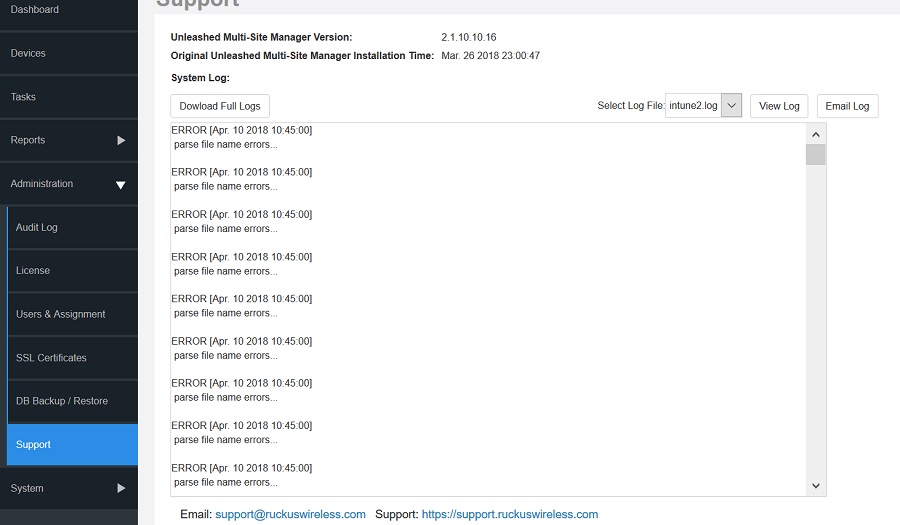
The system log captures information according to the file size.
Unleashed Multi-Site Manager generates a new log file when the original log file size is bigger than the threshold.
Go to
Administer > Support.
In
Select Log File, select the required log file.
Click
View Log. The log displays information from either midnight to the current time or midday
to current time.