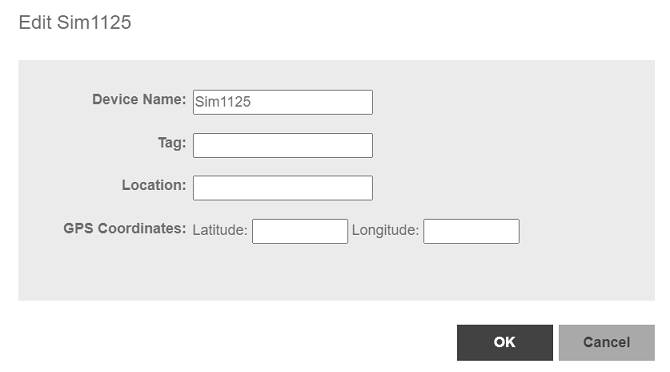
Editing the Device Properties
You can edit a device’s tag name, location, GPS coordinates and Web port mapping.
- After you to log in to the Web interface, select
Devices from the menu in the left.
The Devices page appears listing all the devices managed by the software.
- From the list of devices, select the device for which you want to edit the propertied, then click Edit.
- Modify the following configuration settings:
-
UMM 2.4Device Name: Assign a name to the device.
- Tag: Type the device tag name.
- Location: Type the location of the device.
- GPS Coordinates (Latitude and Longitude): the software uses these to position the device icon on the map.
- Web Port Mapping: The port number after the IP address indicates the protocol that you can use to gain access to the device’s Web interface. Default port number is 433 for HTTPS protocol.
-
- Click
Save.
A success message is displayed after the device properties are saved.
- Click
OK.
The new configuration changes for the device are saved and refreshed in the table.