Option 1 - User Interface
To enable SNMP options for Zone APs throught controller interface, perform the following steps:
- Click Network tab, under wireless select Access Points .
- Click +. This displays Create Domain page.
- In the Create Domain, select Type as Zone. This displays Create Zone page.
- Scroll down to AP SNMP Options menu. By default, the Enable AP SNMP radio button is disabled.
- Click Enable AP SNMP radio button to enable AP SNMP Options. This displays Config Type options CustomAP SNMP Agent Profile.

Config Type - Custom
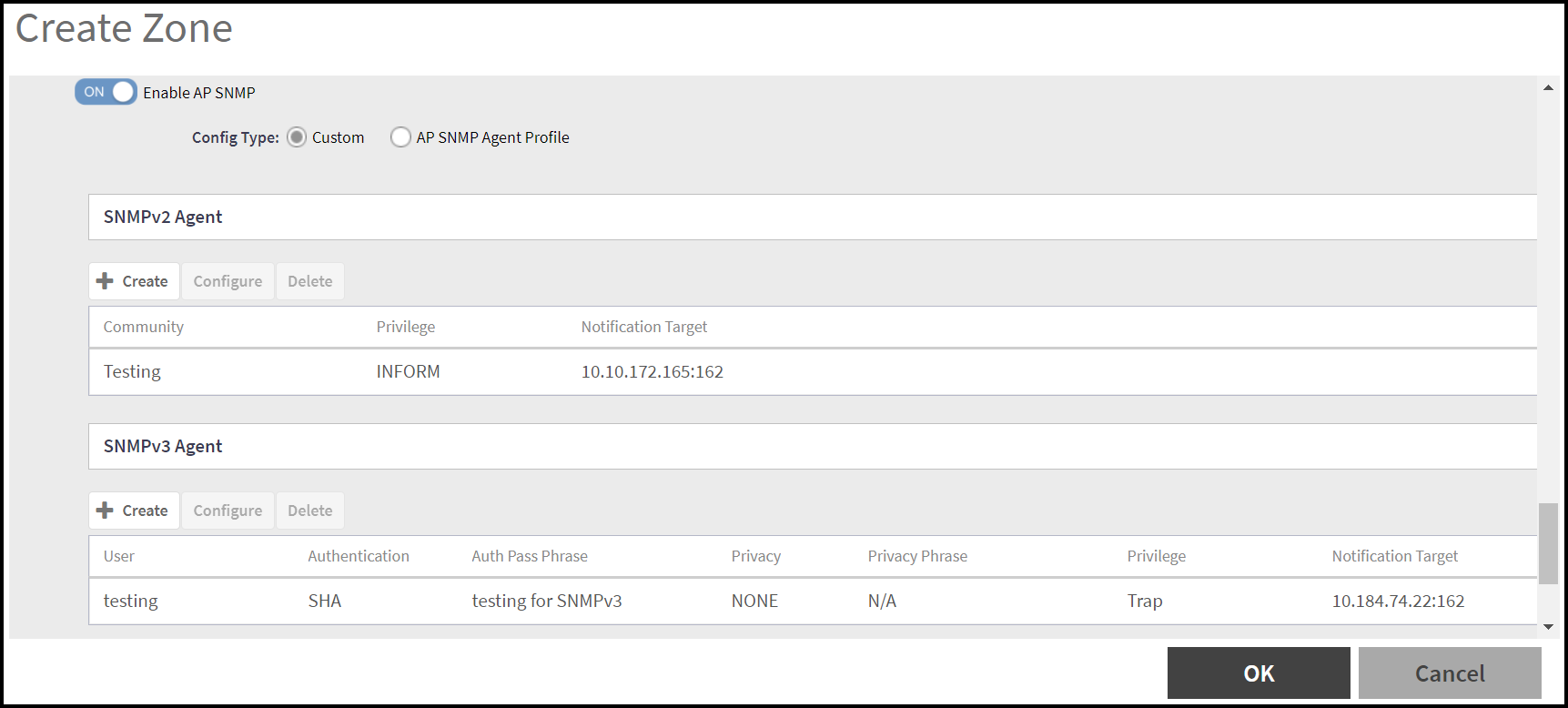
After enabling the AP SNMP radio button, Config Type option is highlighted and by default Custom type is selected. In the Custom config type, user can create/configure/delete SNMPv2 Agent and SNMPv3 Agent.
SNMPv2 Agent
- To create SNMPv2 Agent, click Create in SNMPv2 Agent section. This displays Create SNMPv2 Agent page. In the create SNMPv2 Agent page, enter Community name and choose the Privilege type by selecting the check box options -
- Click OK. The new SNMPv2 agent details is displayed in the SNMPv2 Agent section.
SNMPv3 Agent
- To Create SNMPv3 Agent, click Create in SNMPv3 Agent section. This displays Create SNMPv3 Agent page. This displays Create SNMPv3 Agent page. In the Create SNMPv3 Agent page, enter name, select Authentication options SHA or MD5, enter Auth Pass Pharse, select Privacy options None, DES or AES and choose the Privilege type by selecting the check box options -
- Click OK. The new SNMPv3 agent details is displayed in the SNMPv3 Agent section.
Config Type - AP SNMP Agent Profile
After enabling the AP SNMP radio button, Config Type option is highlighted. Select config type AP SNMP Agent Profile. This displays AP SNMP Agent ProfileAdd (+) and Edit button.
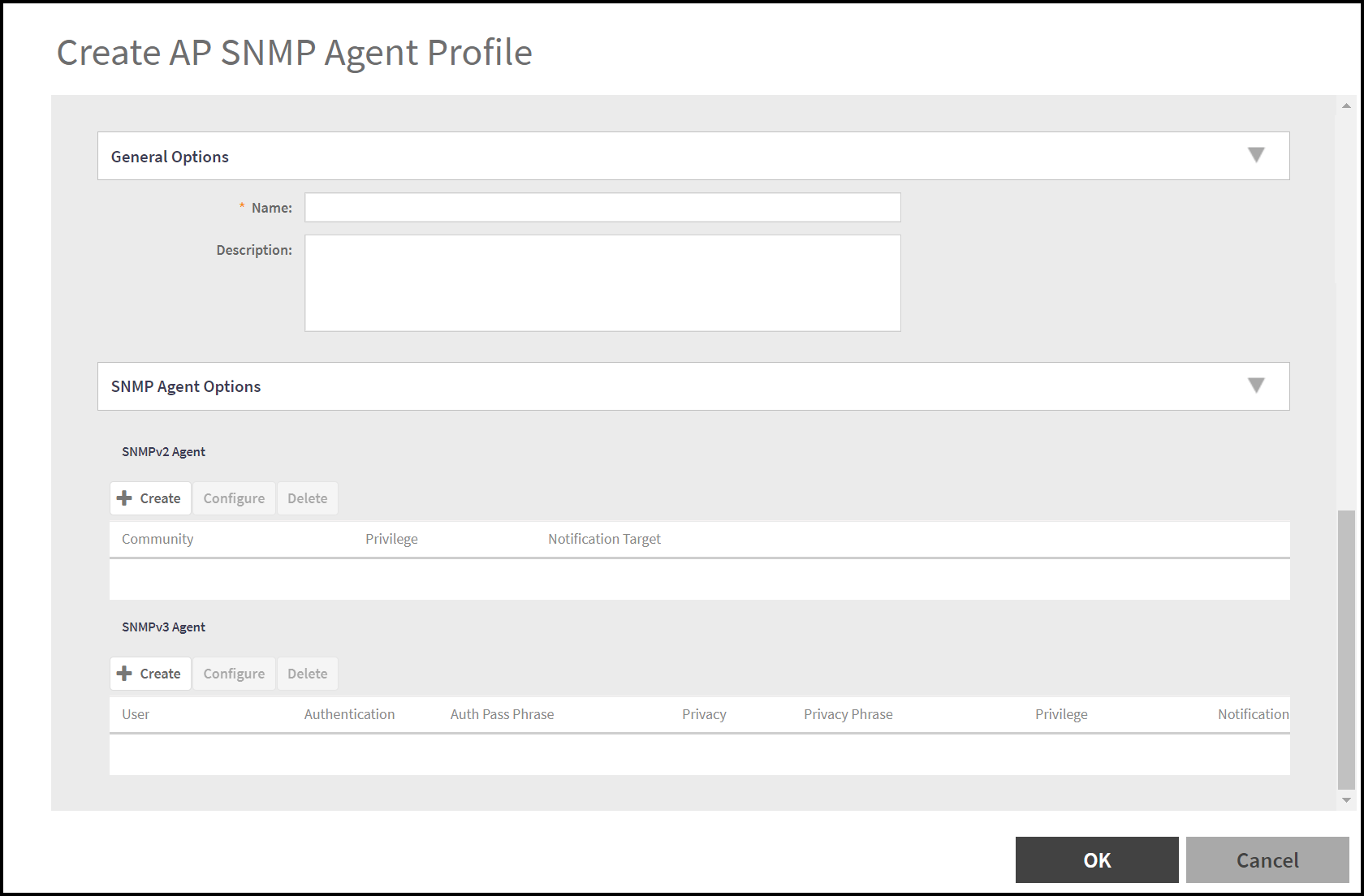
- To create AP SNMP Agent Profile, click Add (+). This displays Create AP SNMP Agent Profile.
- General Options - Enter the Name and Description for AP SNMP Agent Profile.
- SNMP Agent Options - User can create/configure/delete SNMPv2 Agent and SNMPv3 Agent as described in the Config Type - Customsection.