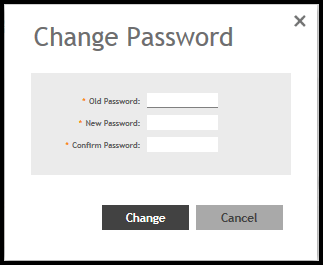
Changing the Administrator Password Follow these steps to change the administrator password. On the controller web interface, select Change Password from the default list.The following window is displayed.Change Password Form Enter: Old Password—Your current password. New Password—Your new password. Confirm Password—Your new password. Click Change, your new password is updated. Parent topic: SmartZone Web Interface