Creating Proxy Accounting AAA Servers for Standby Cluster
A proxy AAA server is used when APs send authentication/accounting messages to the
controller and the controller forwards these messages to an external AAA server.
- Go to .
- Select the Proxy tab, and then select the zone for which you want to create the AAA server.
- Click Create.
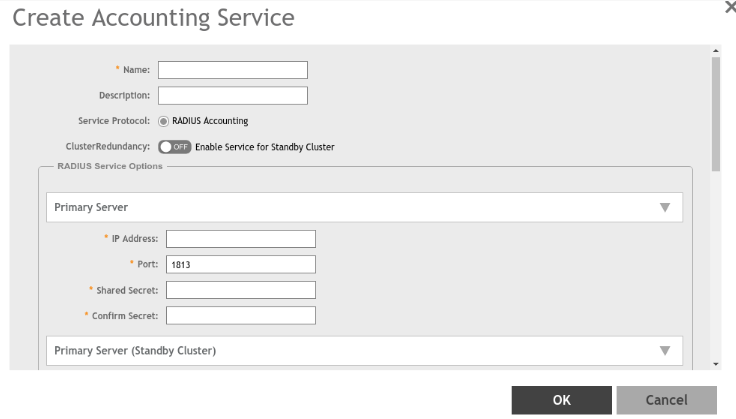
- Configure the following:
- Name: Type a name for the authentication service that you are adding.
- Description: Type a description for the authentication service.
- Service Protocol: By default, the RADIUS Accounting selected. For more information, see RADIUS Service Options.
- Cluster Redundancy: Click the Enable Service for Standby Cluster option to enable cluster redundancy.
- Click OK.
For information on how to test this server, see Testing AAA Servers