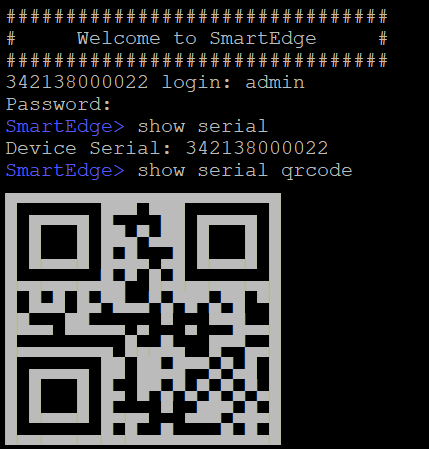
You can get the serial number of the device using
the following methods:
From the sticker label at the
bottom of the device: Manually copy the serial number that follows SN or scan
the barcode using the RUCKUS One mobile app on a mobile device.
Using the CLI command:
Log in to the console
using the credentials: Username: admin,
Password: admin.
To view the device serial number, enter the command show serial.