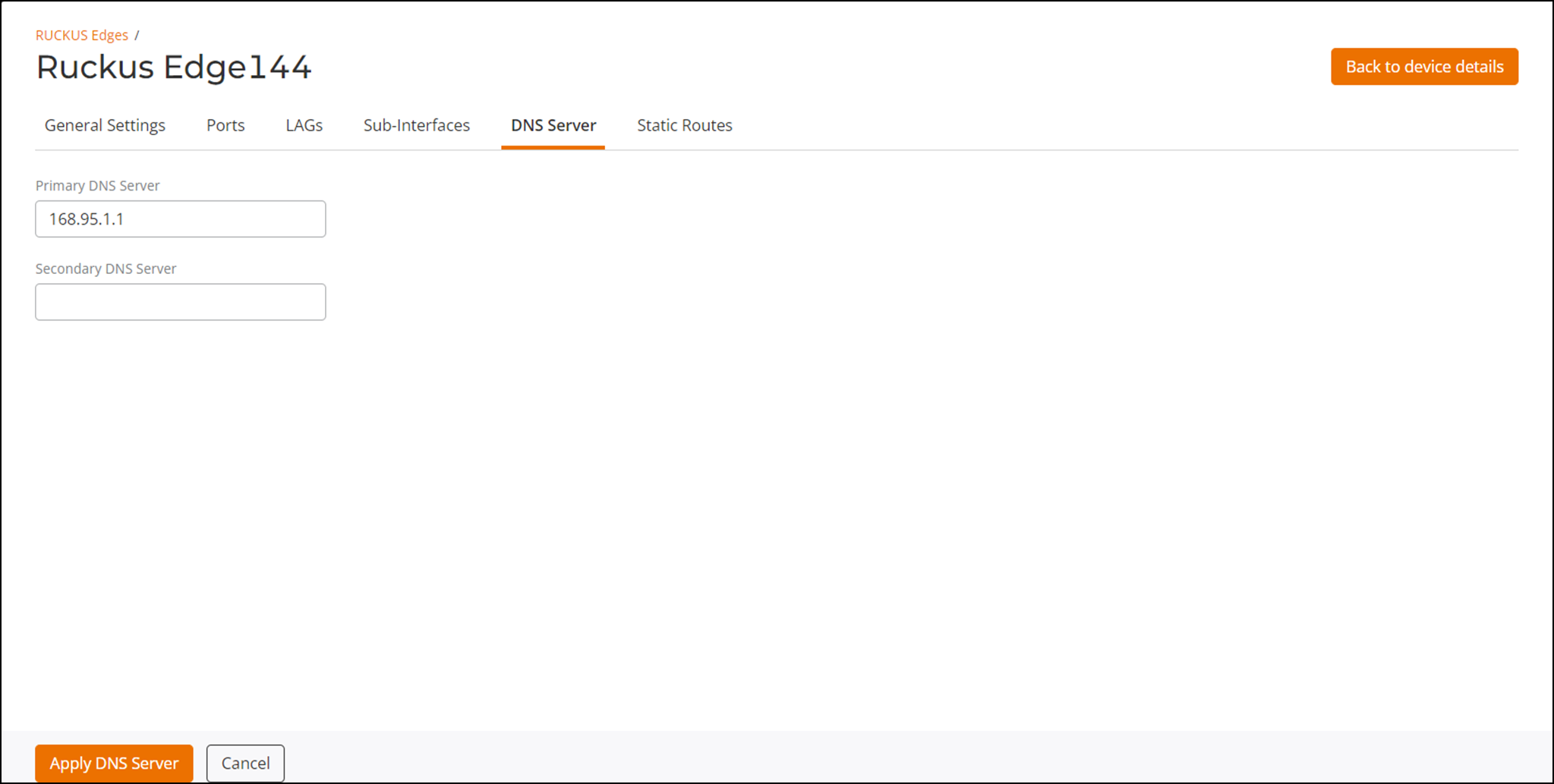
Configuring the DNS Server
Manual DNS server configurations are
supported at the device level. The DNS server, when configured manually, overrides
the
server list received from the DHCP option.
You are viewing a cached version of this page.
You are currently offline. This page was loaded from cache.
Did you find what you were looking for?