Installing and Starting RUCKUS Virtual Edge on ESXi
Use the .OVA file downloaded from the RUCKUS Support site and install an instance of RUCKUS Virtual Edge on the hypervisor.
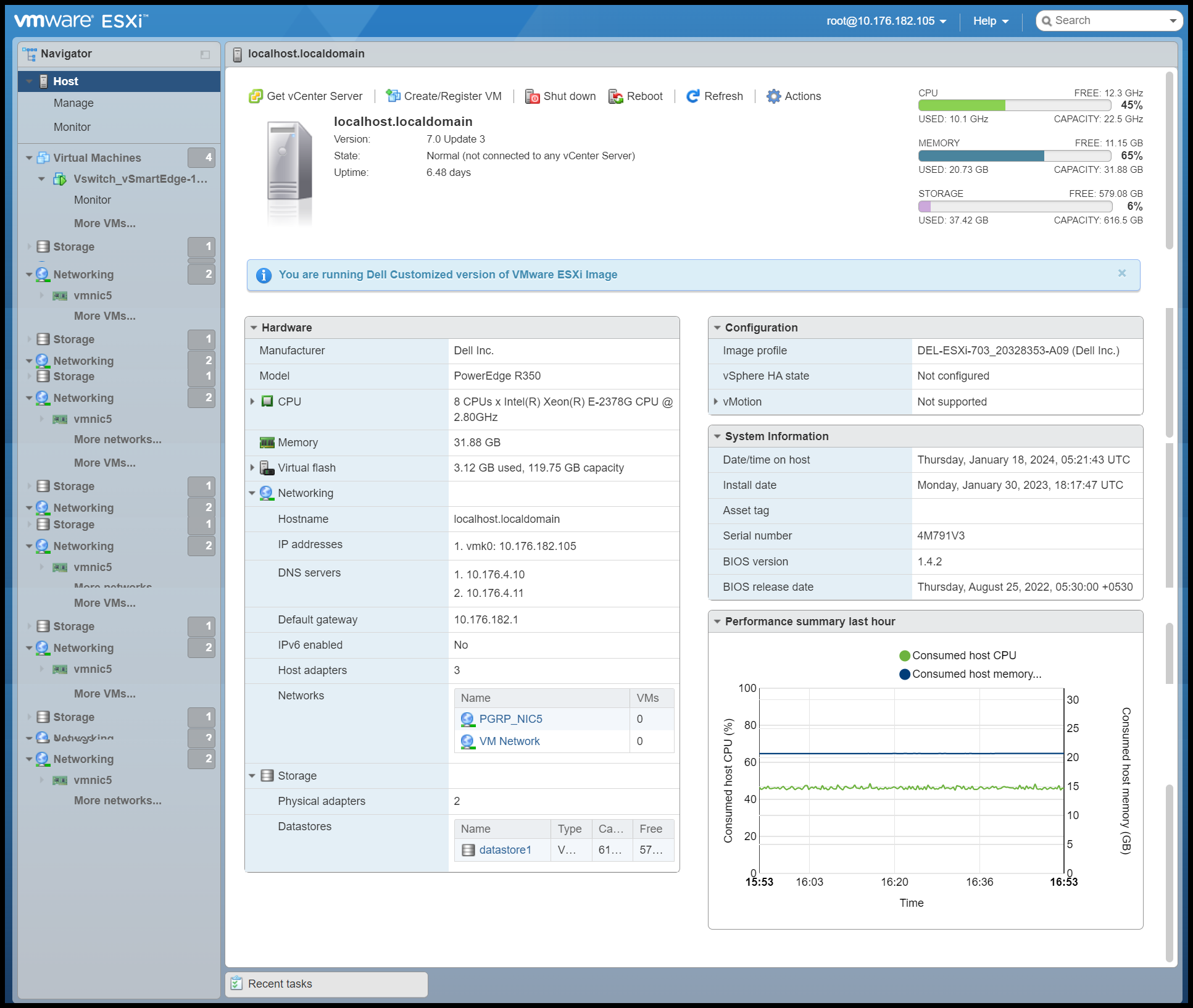
- Log in to VMware® ESXi™.
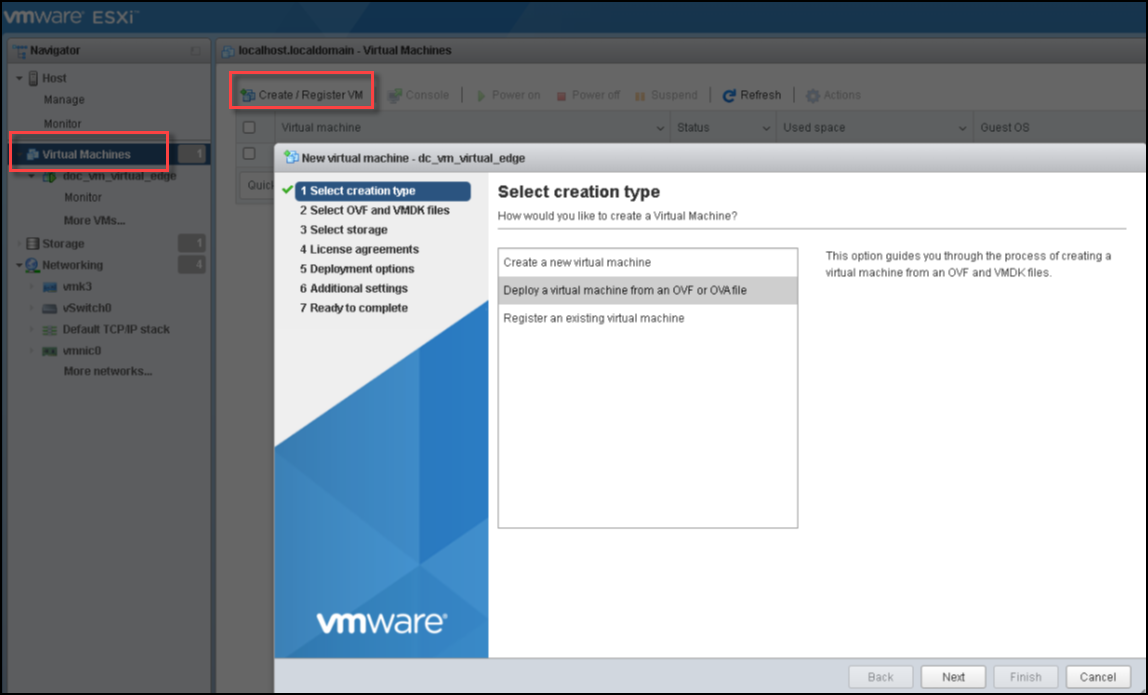
- Click .This displays the New virtual machine window. In this window, click Deploy a virtual machine from an OVF or OVA file and click Next. This displays the Select OVF and VMDK files screen.
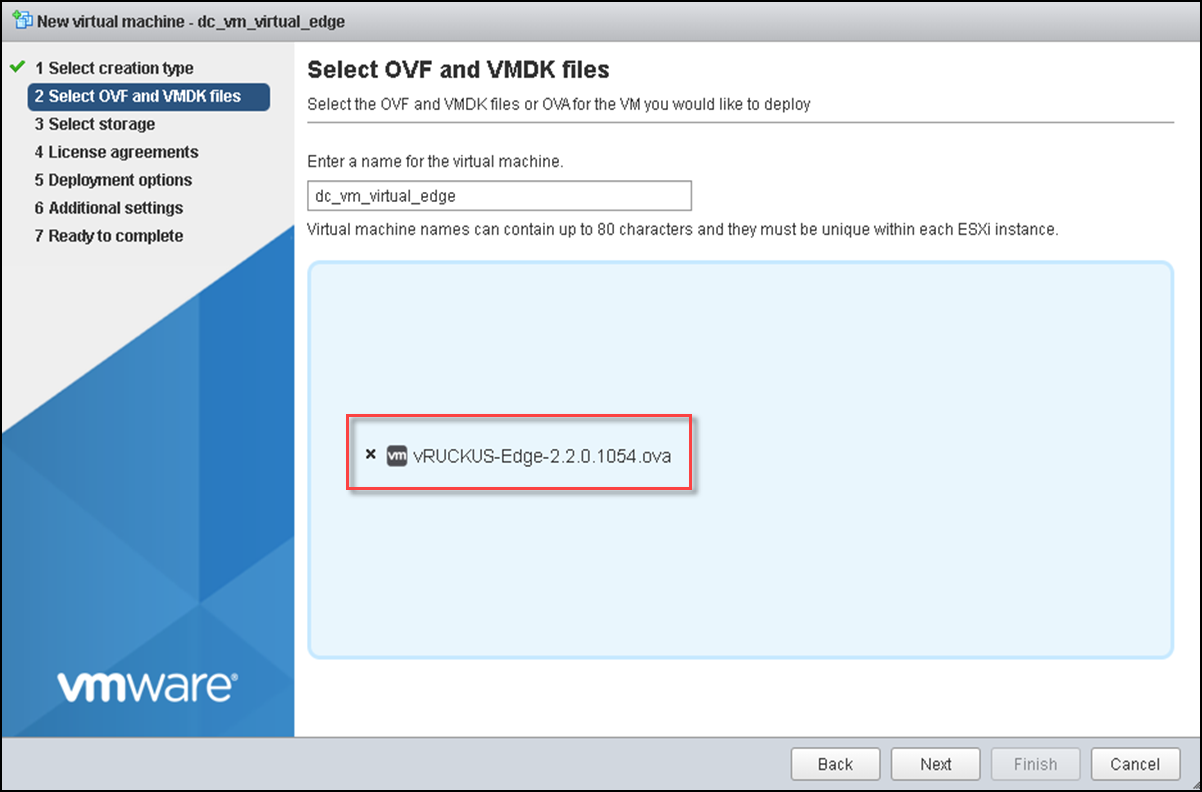
- In the Select OVF and VMDK files screen, enter a name for your virtual machine.
- Select the RUCKUS Virtual Edge .OVA file that you downloaded from the RUCKUS Support website and click Next.
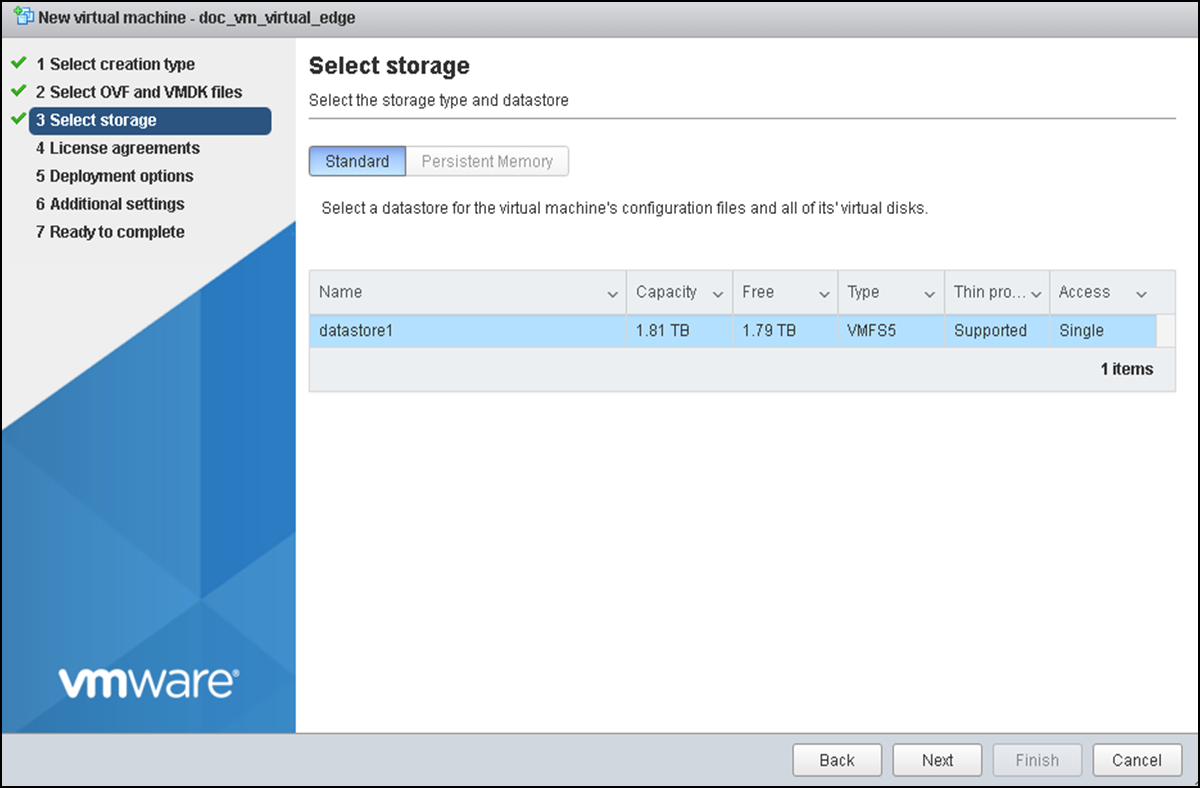
- In the Select storage screen, select the datastore for the virtual machine and click Next.
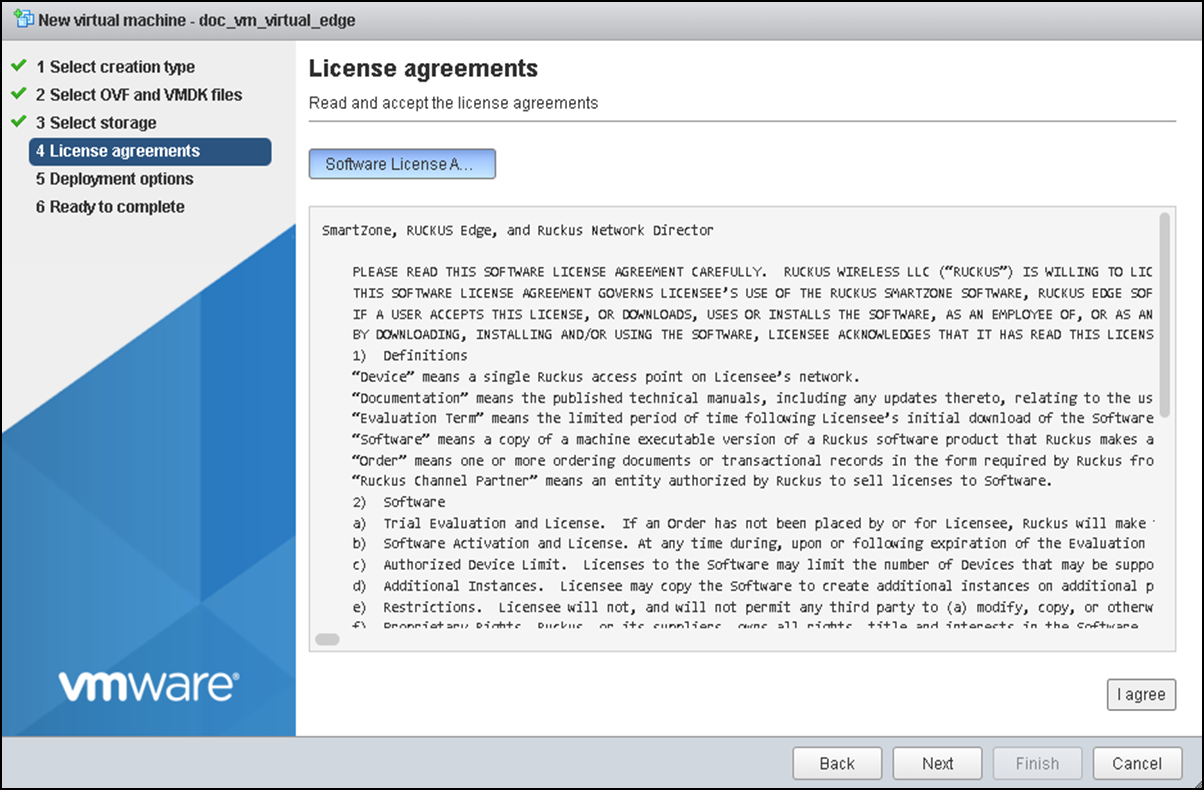
- Read and accept the end-user license agreement on the License agreements screen, then click Next.
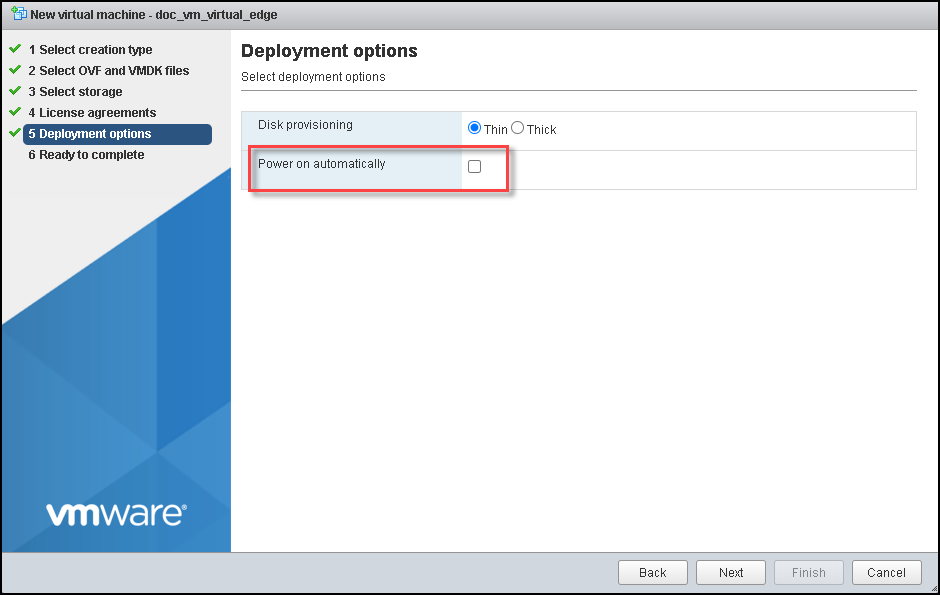
- For the Disk
provisioning option, select Thin or
Thick.
- Thin: Use this format to save storage space. For the thin disk, you provision as much datastore space as the disk would require based on the value that you enter for the virtual disk size.
- Thick: A type of thick virtual disk that supports clustering features such as Fault Tolerance. Space required for the virtual disk is allocated at creation time.
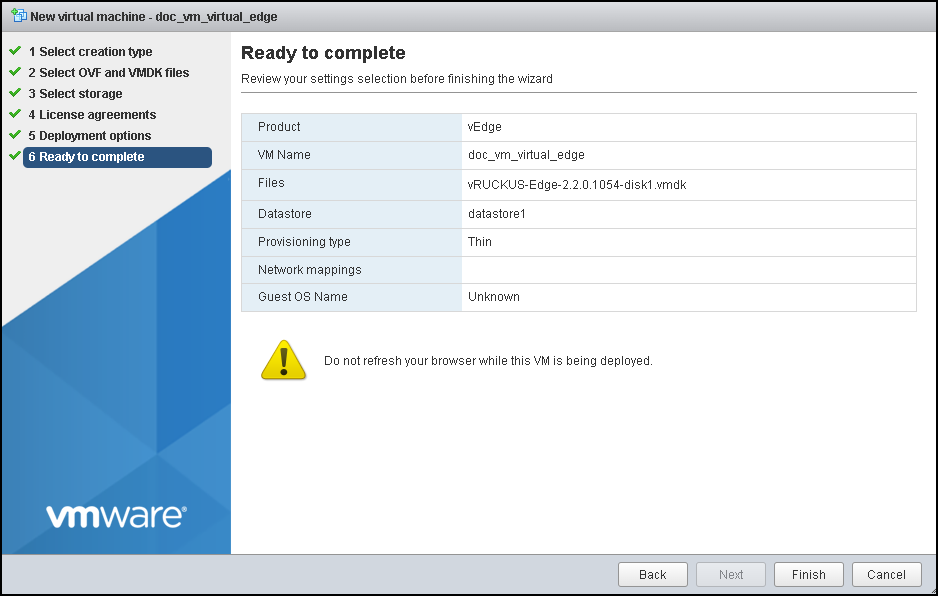
- In the Ready to Complete screen, verify the details and click Finish. The new virtual machine is set up.
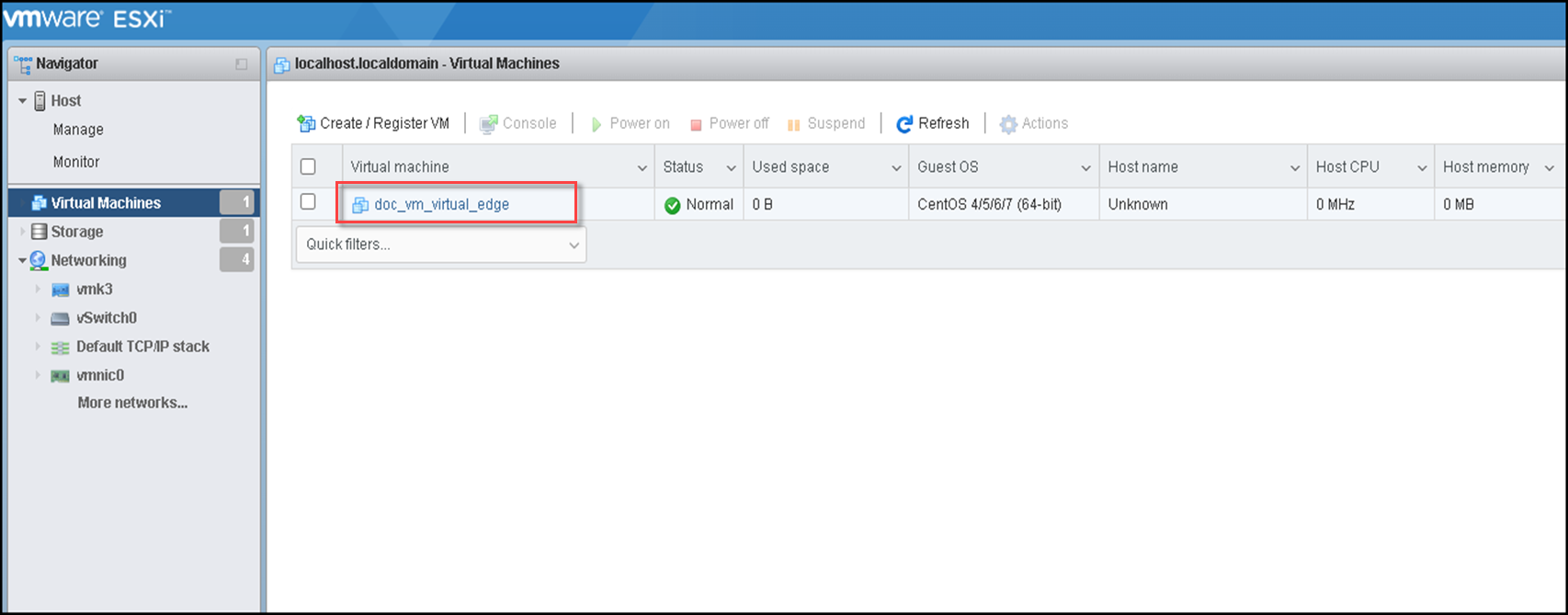
- You can view the newly deployed RUCKUS Virtual Edge machine in the home page.
- After setting up the new virtual
machine, configure Peripheral Component Interconnect (PCI) passthrough
interfaces for RUCKUS Virtual Edge.To configure PCI passthrough, perform the following:
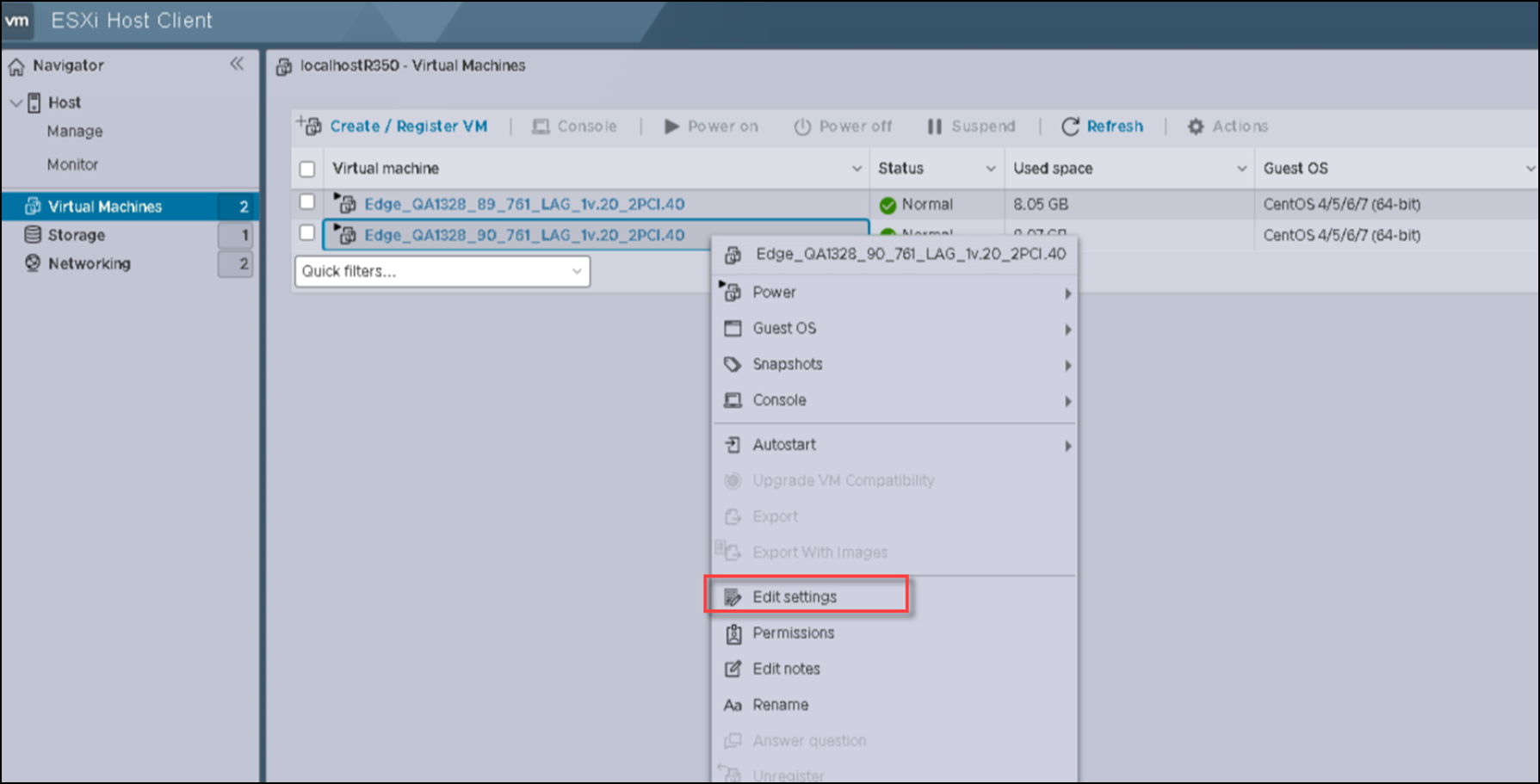
- Select the virtual machine from the list and right-click and then click Edit settings. This displays the Edit Settings window.
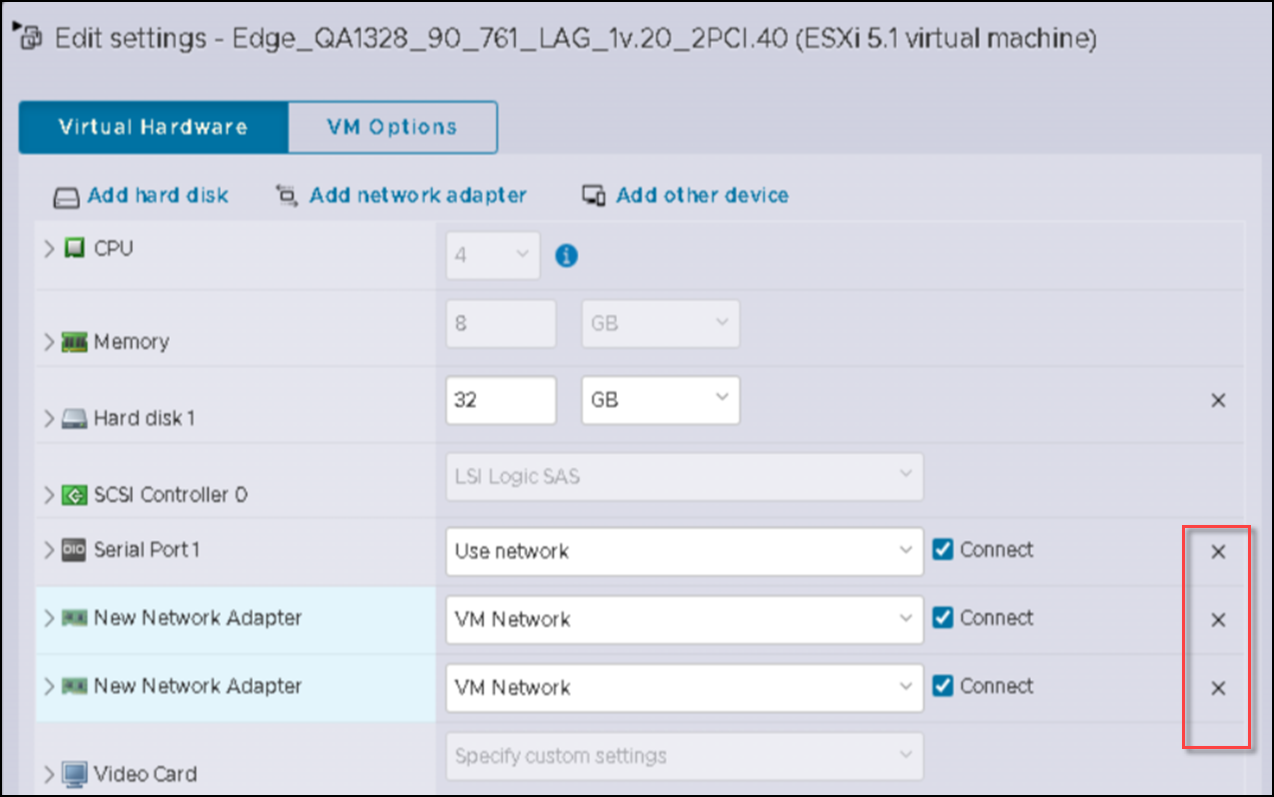
- In the Edit Settings window, remove all the network adapters from the RUCKUS Virtual Edge.
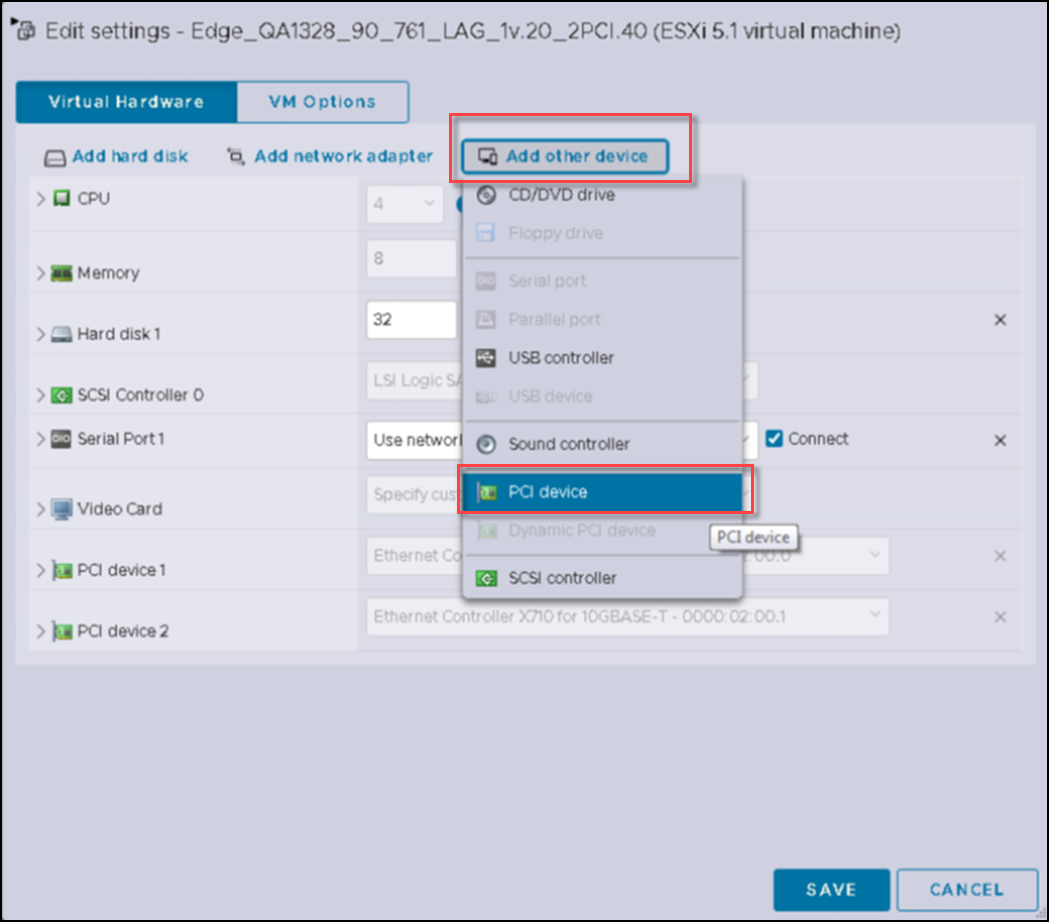
- Click Add other device and select PCI device to add PCI passthrough interfaces for RUCKUS Virtual Edge.
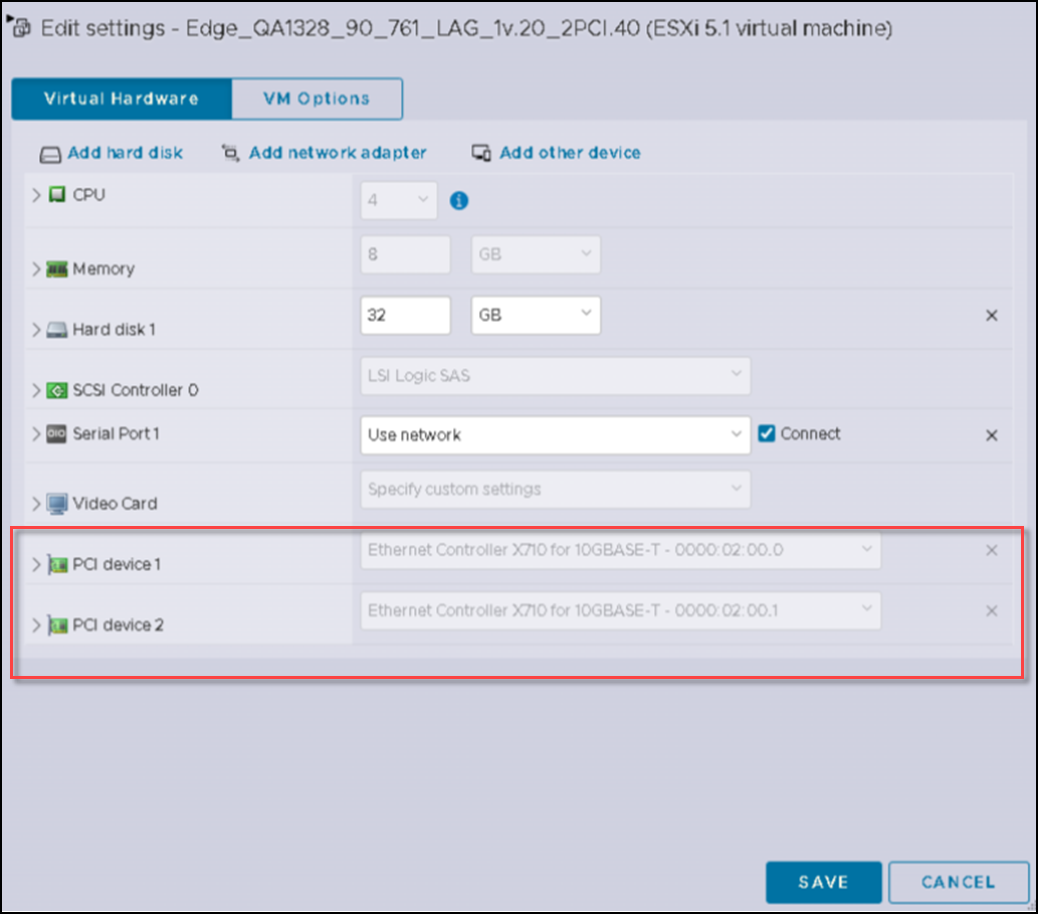
- Review and confirm the PCI passthrough
interfaces and click Save. The
settings are saved.
Note: The RUCKUS Virtual Edge device minimally requires one PCI passthrough interface, but supports up to three.