Return to Configuration Screen
After the application has been installed on the device, you might be prompted to open the application, as in the screen shown below. Do not open the application from this screen.
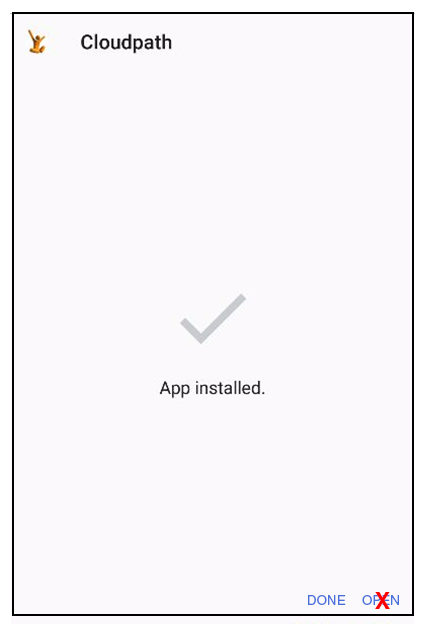
Click Done, then return to the Installation and Configuration screen. To run the configuration wizard, refer to the Configure Application section.