Next Step After Application is Installed on Device
If you are using the Google Play Store installation, your next step depends on your Android version.
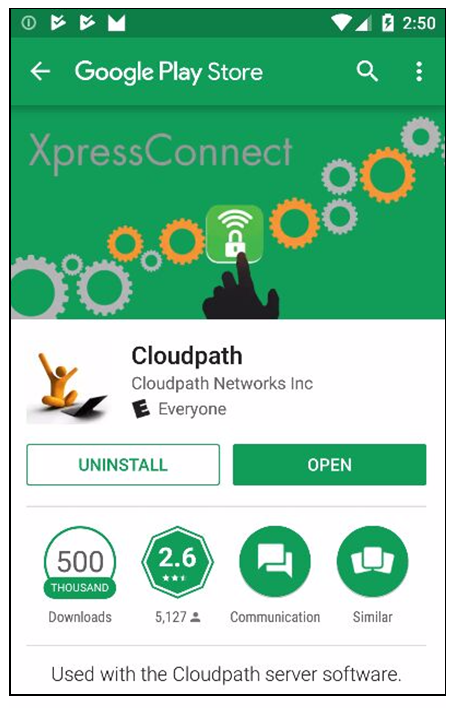
Do one of the following, depending on your Android version:
- If you are running Android version 6.0 or later, click the Open button, then follow the instructions in the User Experience Example for Android Version 5.0 and Later section.
- If you are running a version earlier than Android 6.0, do
not tap the
Open button. Instead, use the
Back arrow to return to the
Installation and Configuration screen. Next, to run the configuration wizard, refer to the
Configure Application section.
Note: If you are first returned to the Installation and Configuration screen, you might need to close the installation options pop-up. Refer to the Close Download Options (Android version 5.0) section.