Configure Application
Only if you are running Android versions earlier than 6.0, you must return to the Installation and Configuration screen shown below, and tap Next, Configure Your Device.
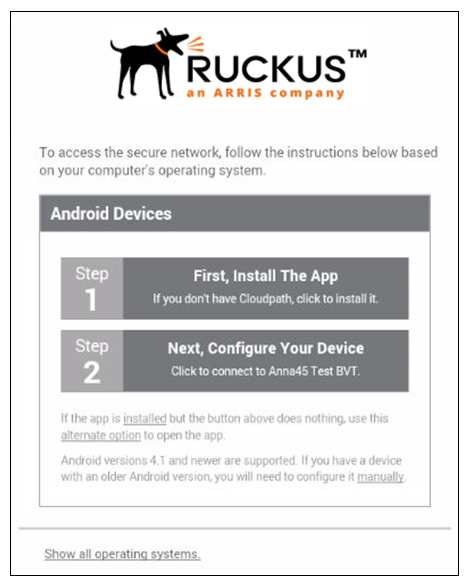
Note: If your device does not respond to the Configure link (like certain Samsung devices),
there is an alternative option link for launching the application.
After the application is installed, the Wizard opens to start configuring the device.
See the following sections for an example of the Wizard user experience on Android devices.