Enabling TACACS+
TACACS+ is disabled by default, so you
must first enable the setting in the Cloudpath UI.
To enable TACACS+, perform the following steps.
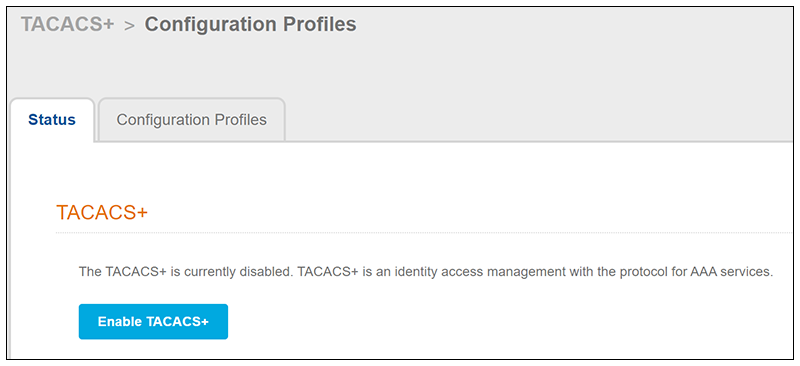
- Navigate to TACACS+ > Configuration Profiles to invoke the following screen.
- Click the Enable
TACACS button.
A message indicating that TACACS has been enabled should appear on the screen. However, since no other configuration has yet been performed, the TACACS+ Server Status will show:
Not Running. No Configuration Profile is currently applied to the TACACS+ server.