Checking and Changing TACACS+ Server Status and Gathering Log Information
You can check the status of the TACACS+
server and gather log information in the same screen in the UI.
Checking and Changing Status
To check the current status of the TACACS+ server, go to TACACS+ > Configuration Profiles > Status tab.
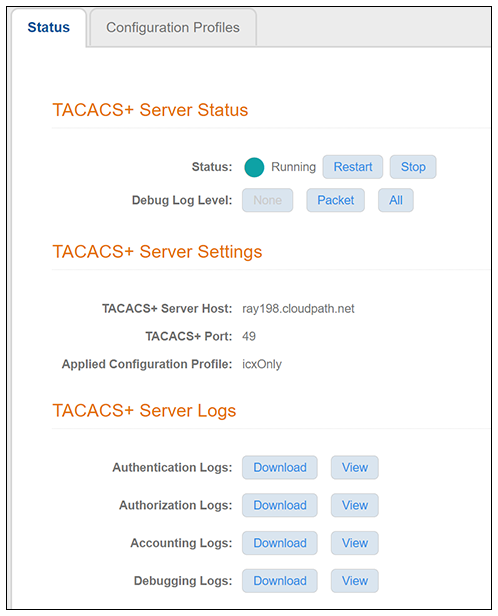
A green circle indicates that the server is running. You can use the Stop and Restart buttons as desired.
Setting the Debug Log Level
In the TACACS+ Server Status screen, in the "Debug Log Level" field, you can select "None," "Packet," or "All."
Gathering Log Information
In the "TACACS+ Server Logs" section of the screen, you can view and download all the logs shown in TACACS+ Server Status Screen.