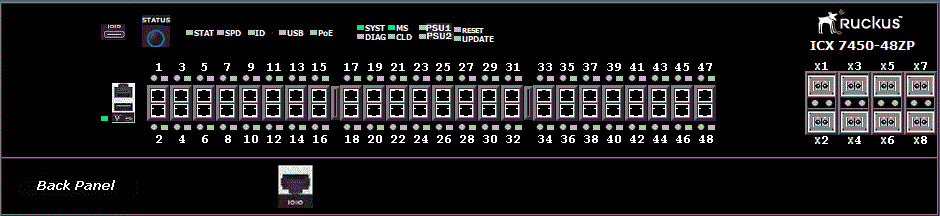
Displaying the front panel of the RUCKUS ICX 7150
To display the front panel, click Monitor on the left panel and select Front Panel.
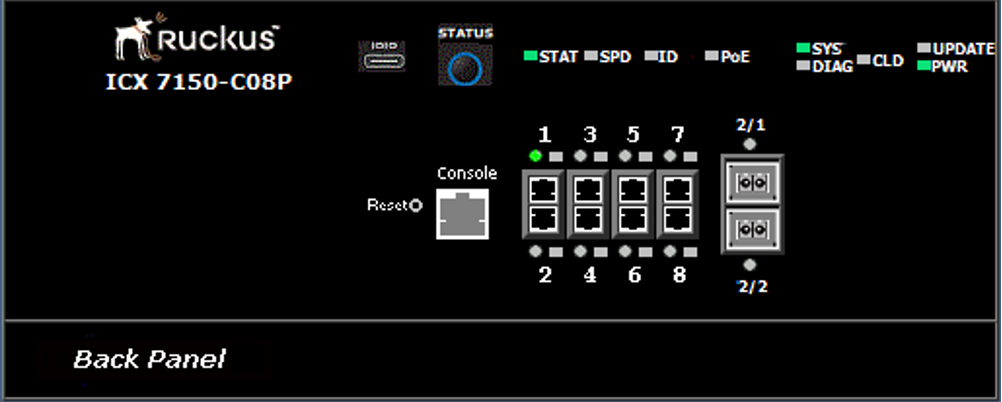
The figure below shows the front panel of the RUCKUS ICX 7150-C08P device.
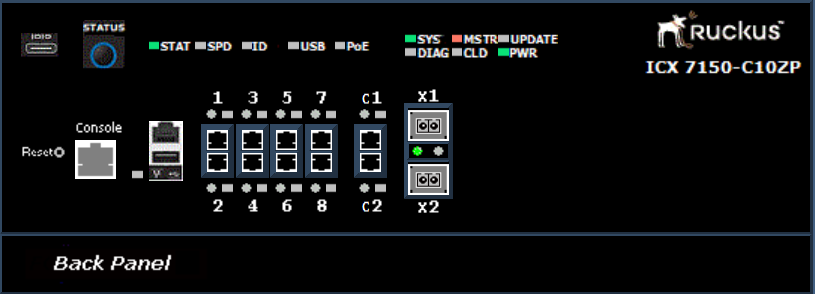
The figure below shows the front panel of the RUCKUS ICX 7150-C10ZP device.
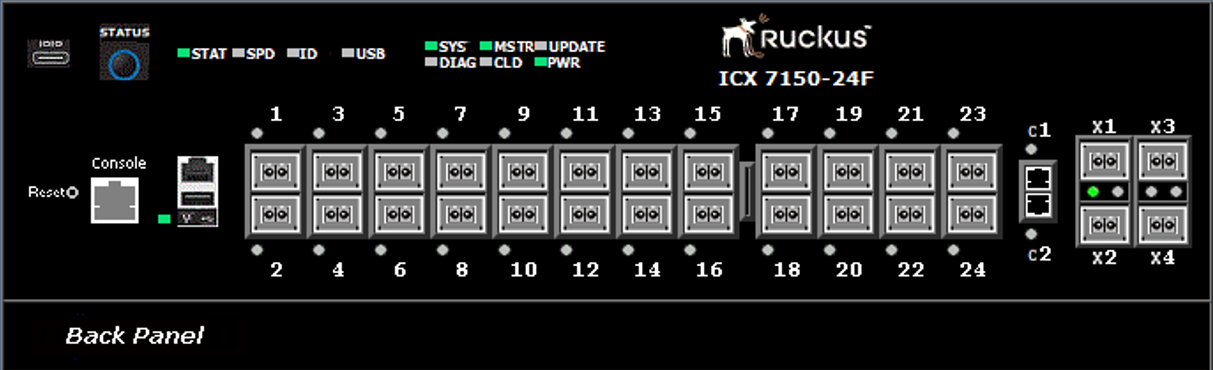
The figure below shows the front panel of the RUCKUS ICX 7150-24F device.
The figure below shows the front panel of the RUCKUS ICX 7150-48ZP device.