Upgrade
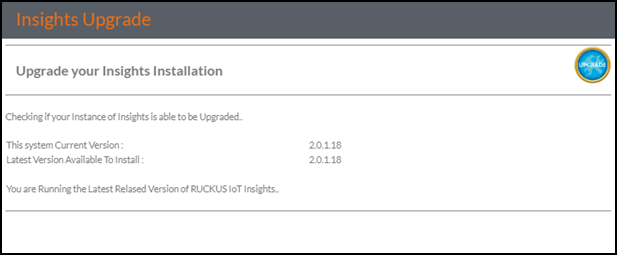
The upgrade is notifed to the administrator by means of the notice counter on the banner and the details of the upgrade are available in the Upgrade panel. If no upgrade is available, the upgrade panel shows the following.
- From the main menu, go to .
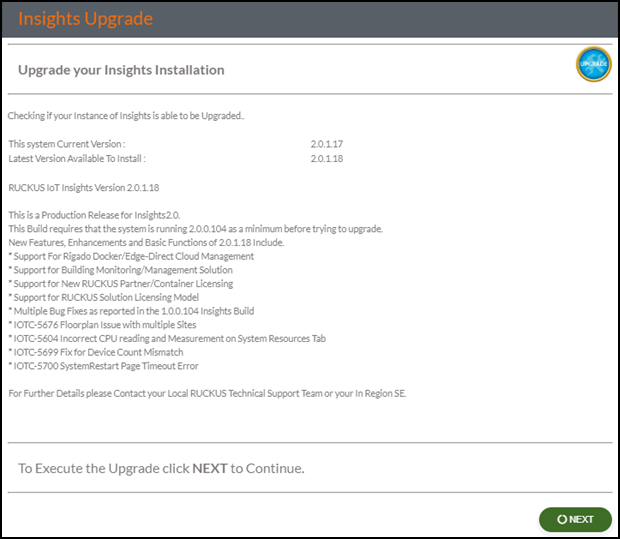
- If a newer version of RUCKUS IoT Insights is available the panel shows the following.
- Click
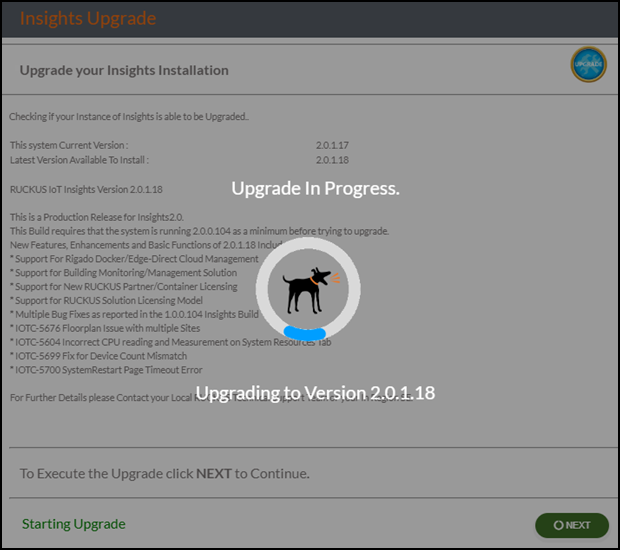
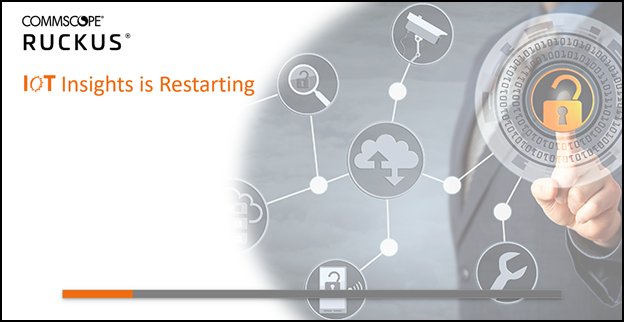
Next to start the upgrade process.Note: Do not navigate from this page during the upgrade process. The system is unable to monitor the upgrade process if you leave this page.
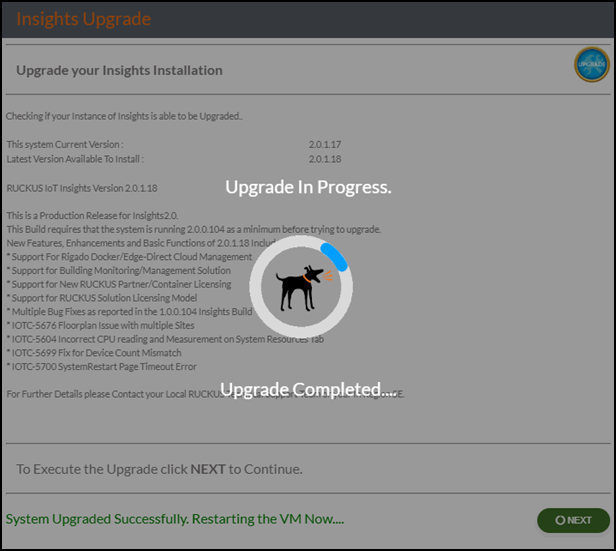
- Click Next.
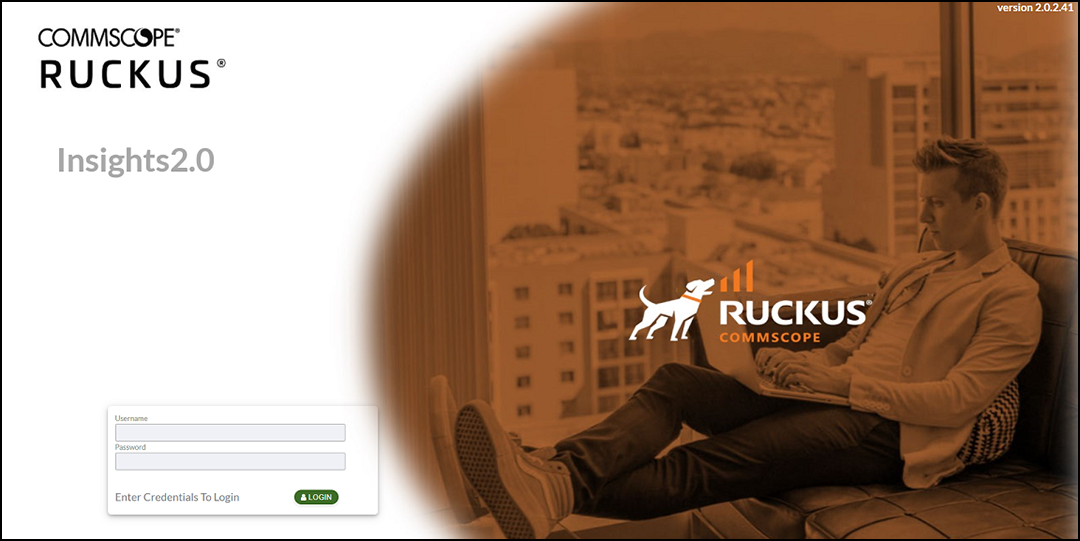
- After the restart is complete, the login page is displayed. Enter the username and password, and click Login.
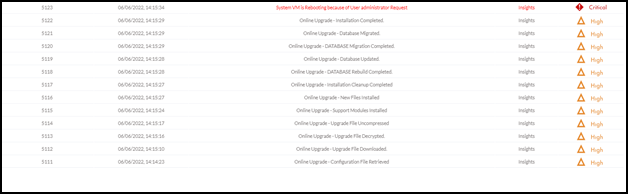
- After logging in to the system, click System Log to view the status of the upgrade.