Managing Services
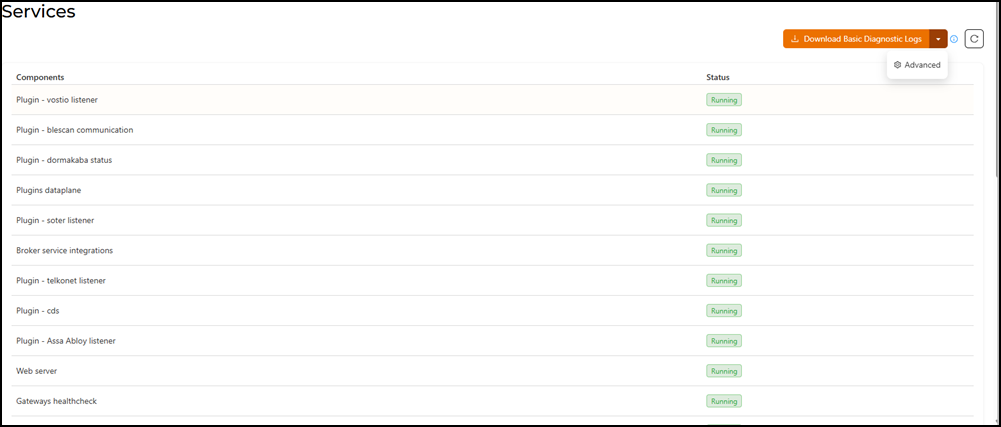
The Services page displays the
service components and their status in the system, providing a quick overview of
each
component's operational state.
Follow the steps to monitor the current status of various services.
- From the main menu, select
.The Services page is displayed.
- (Optional) Click Download Basic Diagnostic Logs to download basic set of system logs for troubleshooting.
- (Optional) Click the arrow on the Download Basic Diagnostic Logs button. A drop-down appears with an Advanced option. Select this option to download additional logs.
- Click the
 icon to reload the Services page.