Enabling and Disabling SNMP Traps
To enable/disable SNMP traps, navigate to ,
Note: The above path is used exclusively to
configure and manage SmartZone SNMP settings. AP SNMP agents cannot be accessed
or
configured from this path.
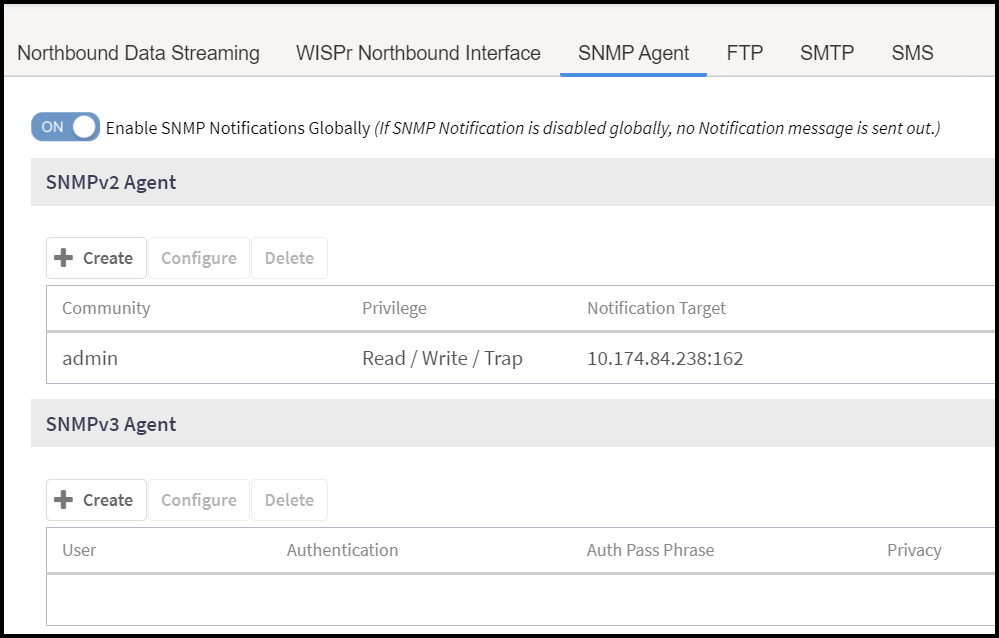
If the SNMP notification is disabled, it will not send any messages to the receiver. It also does not allow any community or a user to enable or configure the notification target address.