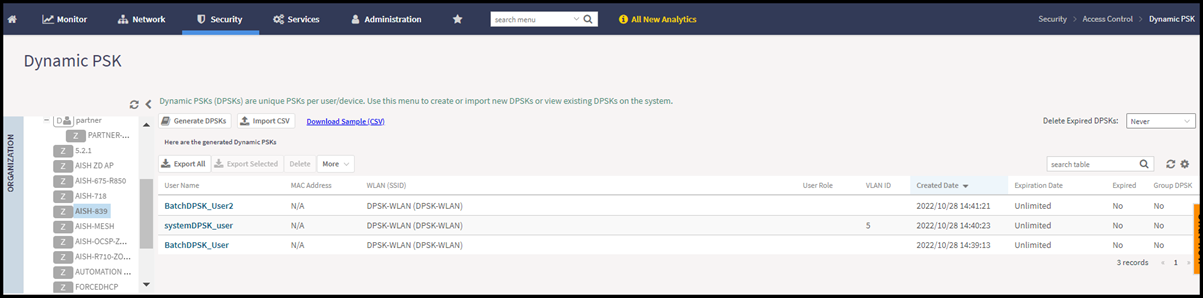
Viewing Generated DPSKs
In addition to downloading the generated
DPSK record in CSV format, you can also view the DPSKs that have been generated from
the
Generated Dynamic PSKs tab.
Printing a QR Code
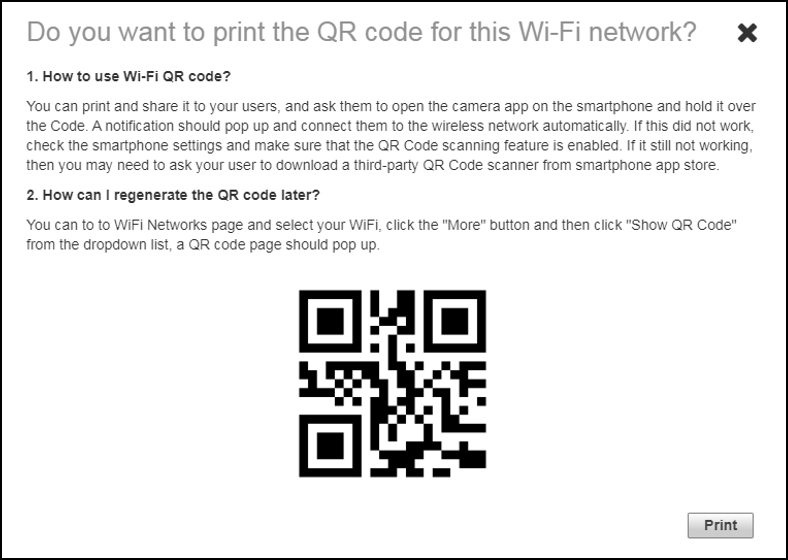
A WLAN-supported DPSK has the Show QR Code option in the Generated Dynamic PSKs tab to join a Wi-Fi network.
Click Show QR Code and the QR Code page is displayed. Click Print to print the QR code or scan the QR code using a smartphone camera.
Click Export to CSV option to export all the generated DPSKs to a CSV file.