Logging In

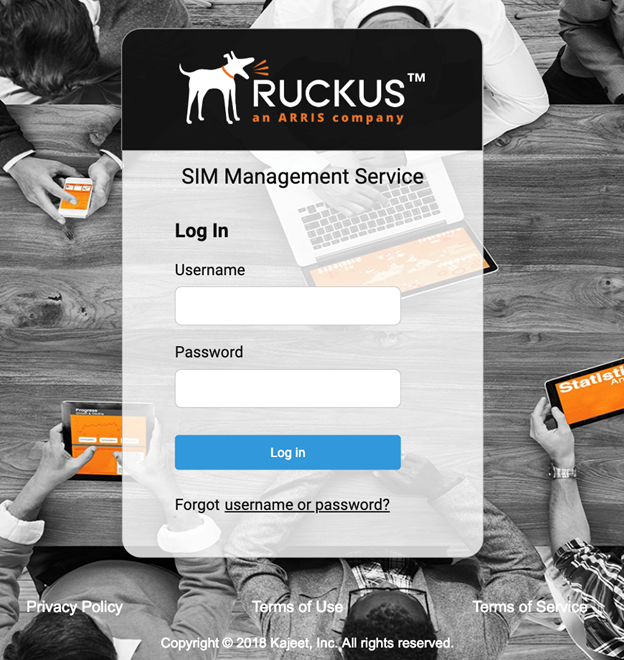
Use a web browser to log in to the SIM Management Service portal.
  1. From a web browser, log on to: https://ruckus.kajeet.com/auth/login.
    Note: We recommend that you use the most current version of any of these web browsers: Microsoft Edge, Firefox, Chrome, and Safari.
  2. Enter your username in the Username field.
    User names are case-sensitive.
  3. Enter your password in the Password field.
    Passwords are case-sensitive.
  4. Click Log in.