Upgrading the RUCKUS IoT Controller Firmware Version

RUCKUS frequently releases updates to RUCKUS IoT Controller. The administrator normally receives any updates about new and updated software by email.

Note: Before upgrading to a newer firmware version, back up and store your data file.

Follow these steps to back up your data and upgrade the RUCKUS IoT Controller firmware.

  1. Log in to the RUCKUS IoT Controller.
    For more information, refer to RUCKUS IoT Controller Configuration Guide.
  2. From the main menu, navigate to Admin > DB Backup.
  3. Click Create Backup.
  4. Click Download to backup your file to your local device.
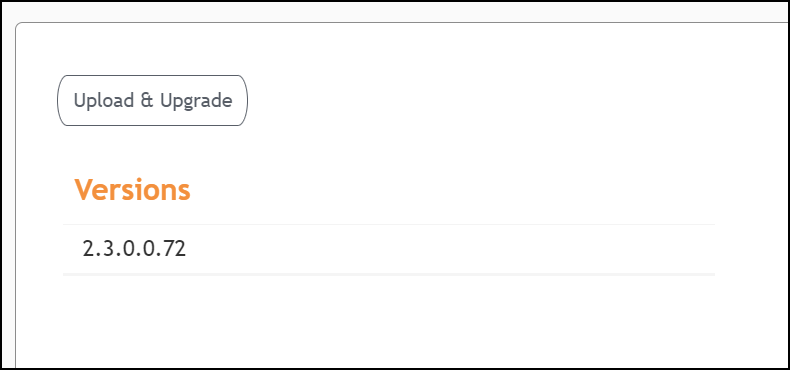
  5. From the main menu, navigate to Admin > Versions.
  6. In the Versions section, select the newer version and click Upload & Upgrade to update the software.

    Uploading an Image

    Uploading an Image
    The RUCKUS IoT Controller is upgraded successfully to the new build.